

Day in the Life of a Marketing Intern at a North Carolina Marketing Agency
Landing an internship is a huge deal, whether you’re working for a well renowned corporation, or a really cool north carolina marketing agency in your hometown (wink..wink). Everyone goes into their first internship with different expectations of how they must present themselves and the types of things that’ll be asked of them once on-site.
Introduction
Landing an internship is a huge deal, whether you’re working for a well renowned corporation, or a really cool north carolina marketing agency in your hometown (wink..wink). Everyone goes into their first internship with different expectations of how they must present themselves and the types of things that’ll be asked of them once on-site.
Before I started my very first internship, I envisioned that I would be running around town grabbing my boss a coffee or quietly taking notes in a corner during a highly important business meeting like the movies. Boy was I wrong! That’s not to say these kinds of things don’t happen in real life. For me though, there was so much in store for my time working as a digital marketing intern. I now share with you, my day in the life as a Digital Marketing Intern at Bear City Impact.
Getting Ready

I start my mornings off just about how anyone else would. I brush my teeth, do my skincare, and eat a hearty breakfast to fuel me throughout the day. My work outfits are planned out the night before, so I’m never in a scramble to find something to wear. The Bear City Impact isn’t too picky on dress codes, so I have full reigns of what I’m allowed to wear (but bonus points if its company merch). My go-to fit is a nice mom jean with a crew neck tee or sweater (because the office can get very chilly)! Once I’m done getting ready, I grab my laptop and keys, and I’m out the door.
Traveling

Work travel time doesn’t exist for me, as my hours lay right when most people are already at work. I cruise through the roads with my highway playlist titled “Vroom Vroom” and jam out to my favorite songs as I’m headed downtown. When I make it to the workplace parking lot, I do a last minute check-up to make sure I have everything I need, and head into the office.
I feel a great sense of belonging when I tag along with my team and get to hear such great perspectives
Daily Adventures
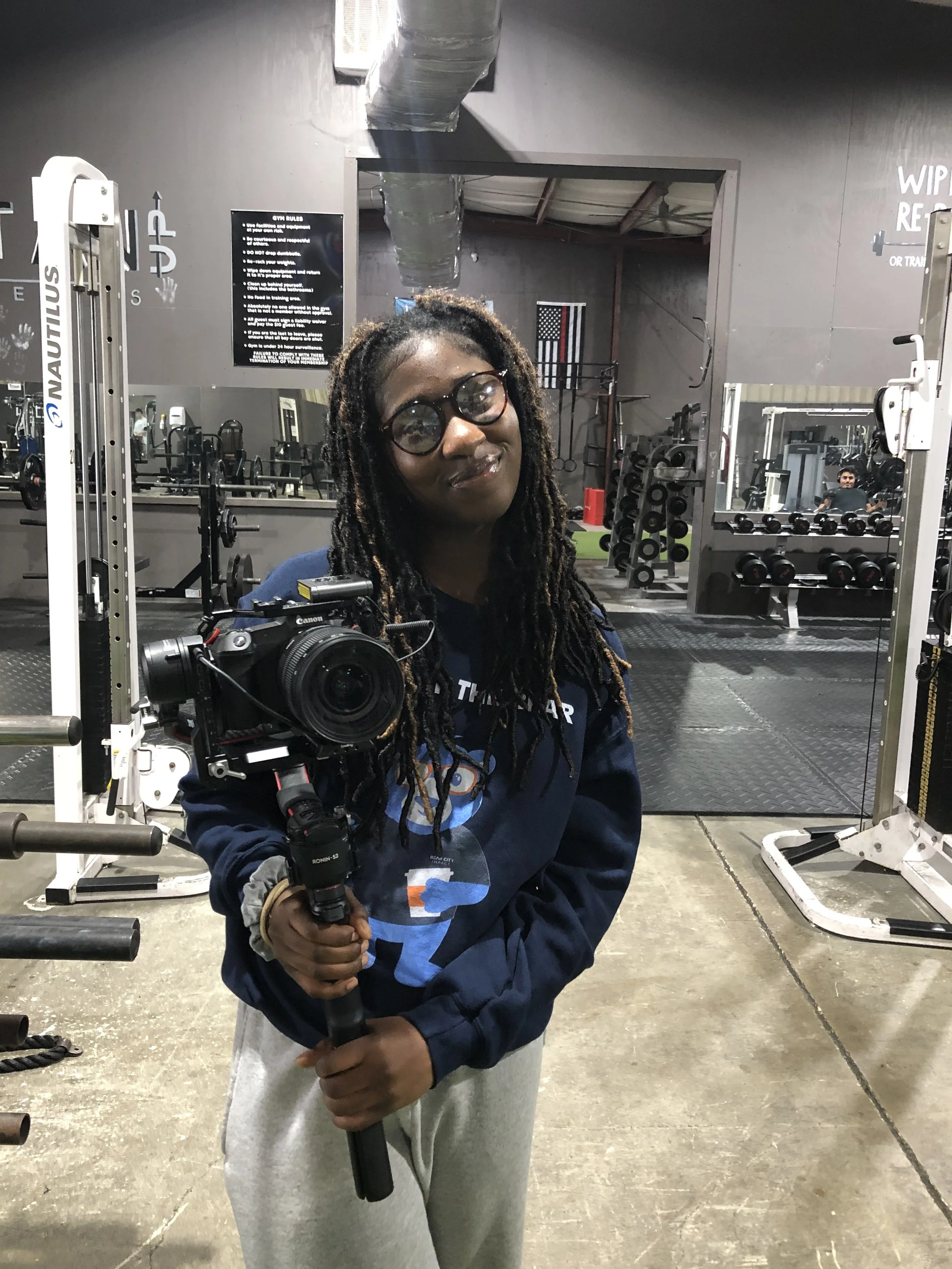
What I love so much about interning at the Bear City Impact is that no work day is the same. One day I may be assisting the operations manager by generating creative content ideas, while other days I’m vlogging trips my boss takes for photoshoots. My personal favorite is sitting in on meetings with clients about their marketing needs. I feel a great sense of belonging when I tag along with my team and get to hear such great perspectives. Sharing my suggestions is always a plus!
Lunchtime
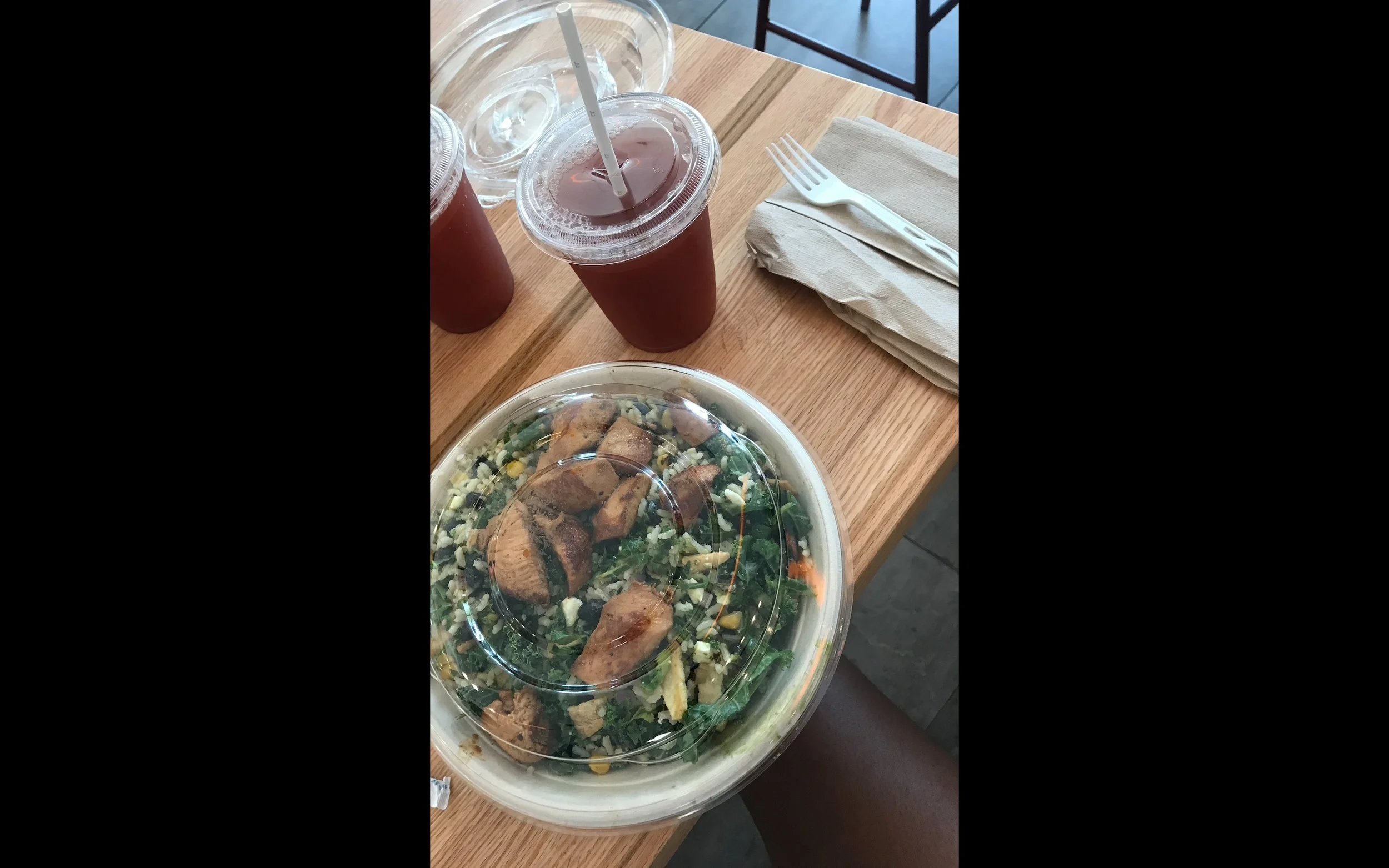
When lunchtime rolls around, I simply get my lunchbox and eat my food at my desk. Some days I may be so invested in what I’m doing that I forget I packed a lunch, but eventually I get to it! Sometimes my boss will bring back food from a photoshoot or buy the team donuts (which we always appreciate :)
Wrapping Up The Day
The Bear City Impact has such a comfortable and warming work environment, that I lose track of time and then… it’s time for me to go home. I make sure to wrap up the last task I was working on before I head out of the office, but not before saying goodbye to everyone inside. Once that’s done, I’m headed home until I work again. Nothing beats a great day of interning at the Bear City Impact.
How To Create A Social Media Content Plan
As a business owner or marketer, you know the importance of having a strong presence on social media. But with so many platforms and so much content to create and share, it can be overwhelming to know where to start. That's where a social media content plan comes in.
As a business owner or marketer, you know the importance of having a strong presence on social media. But with so many platforms and so much content to create and share, it can be overwhelming to know where to start. That's where a social media content plan comes in.
A social media content plan is essentially a roadmap for your social media activity. It helps you define your goals, determine your target audience, and create a consistent strategy for creating and sharing content. By taking the time to plan out your social media content in advance, you can save time and effort in the long run, and effectively reach and engage with your audience.
So how do you create a social media content plan? Here are the steps to follow:
1. Define your goals
Before you start creating content, it's important to know what you want to achieve with your social media activity. Do you want to drive traffic to your website, increase brand awareness, or boost sales? Whatever your goals may be, make sure they are specific, measurable, attainable, relevant, and time-bound (SMART).
For example, a SMART goal for a fashion retailer might be: "Increase website traffic from social media by 25% over the next three months by sharing product links and fashion inspiration on Instagram and Pinterest."
2. Identify your target audience
Who are you trying to reach with your social media content? It's important to have a clear understanding of your target audience so you can create content that resonates with them and meets their needs.
Consider factors such as age, gender, location, interests, and behaviors when defining your target audience. You can also use social media analytics tools to gain insights into the demographics and interests of your current followers.
3. Determine your brand voice and style
Your social media content should be aligned with your brand's overall messaging and aesthetic. Take some time to think about how you want to come across on social media – are you professional, fun, informative, or something else?
Your brand voice should be reflected in the language you use and the tone of your posts. You should also consider the visual style of your content, including the colors, fonts, and images you use.
4. Decide on your content mix
Now it's time to think about the types of content you'll be sharing on social media. This will depend on your goals and audience, as well as the platform you're using.
Some common types of social media content include:
Blog posts and articles
Product updates and promotions
Industry news and trends
Behind-the-scenes glimpses
User-generated content (such as customer reviews or photos)
Inspirational or motivational quotes
Interactive content (such as polls or quizzes)
Consider what will be most valuable and engaging for your target audience, and try to mix up your content so you're not always promoting your own products or services.
5. Plan out your posting schedule
To keep your social media activity consistent and avoid overwhelming your followers, it's a good idea to plan out your posting schedule in advance.
Think about how often you want to post, and what the best times are for your audience. You can use social media analytics tools to see when your followers are most active, and schedule your posts accordingly.
It's also a good idea to use a content calendar to organize your posts and ensure you have a mix of content planned for each day or week. You can use a spreadsheet, a project management tool
6. Create a posting strategy
Your posting strategy should outline the specific actions you'll take to create and share your content. This could include tasks such as:
Researching and writing blog posts
Curating industry news and trends
Scheduling and drafting social media posts
Engaging with followers and responding to comments and messages
Consider assigning specific tasks to team members or outsourcing certain elements of your content creation to free up time for other tasks.
7. Analyze and adjust your plan
Your social media content plan is not set in stone – it's important to regularly analyze the results of your activity and make adjustments as needed.
Use social media analytics tools to track key metrics such as website traffic, engagement rates, and conversions. Look for patterns and trends, and use this information to fine-tune your content mix and posting schedule.
Remember, a social media content plan is a living document that should be revisited and updated regularly. By staying up-to-date and responsive to your audience's needs and preferences, you can effectively reach and engage with them through social media.

5 Marketing Strategies for Local Service Providers
Every local business owner has the same concern; how do I get customers? It is a common problem because with no customers you have no income. Below I want to highlight 5 marketing strategies that local service providers should consider implementing.
Every local business owner has the same concern – how do I get customers?
It is a common problem because with no customers you have no income.
Revenue = barbeque on the patio. Less revenue = less barbeque. You know where this is going...
Below I want to highlight 5 marketing strategies that local service providers should consider implementing.
1. Provide a service people need.
The first step to success is making sure your product or service is a necessity. When someone needs something, they will be more likely to pay for it.
If you provide a service that people can't live without and have no other way of obtaining, then you'll have a better chance at building a successful business.
In addition to providing a useful service, it's also important that the service be valuable in some way. People need many different things throughout their lives: from laundry services and pest control solutions to plumbing repairs or real estate consultation services.
There are plenty of opportunities out there if you're willing to put in some hard work and creativity!
2. Establish a target market
Before you can start marketing, you need to know who your target market is. This will help shape the types of marketing strategies you use as well as how much effort and money is spent on each strategy.
Start by determining who your customers are. Are they single mothers in their 20s? People between the ages of 35-45? Business owners? Seniors? Once you know this, consider what services they need and how often they need those services (for example: once a month or every six months). That’s when it gets tricky: You have to figure out who your competitors are!
Competitors include other local businesses providing similar products and services, but also people within the same community offering complementary products/services or even other industries that might cross over into yours (such as restaurants serving food). Don’t forget about online options too—your competition could come from anywhere!
3. Create a professional website and online identity.
It's not enough to be on the web. Your website design needs to be professional, and it should reflect your brand.
In a few steps, you can turn your website into an online identity that will help customers find you easily and build trust in your company:
Use a professional email address – like name@companywebsite.com.
Use a professional phone number.
This could be your business line or a dedicated cell phone number for marketing purposes only. Make sure this is listed on the site so that customers can call if they have questions or concerns about service before they schedule an appointment.
Make sure there is consistent messaging across all of your channels.
It should be clear what they can expect when they interact with you online or in person through communications like social media posts, blog articles or newsletters.
4. Build a reputation.
The next step to building a thriving business is to establish your reputation. Your customers need to know they can trust you, and that's why it's important to give them reasons why they should both love you and keep coming back. There are many ways you can do this:
Quality: Make sure your work is always done right the first time around.
If there are any problems with a job, fix them immediately so that no customer will have cause for complaint.
Reliability: If someone needs something taken care of by a certain date or time, make sure it gets done on schedule
And if there are any delays along the way (e.g., weather or other factors), let your client know immediately rather than leaving him hanging in suspense while waiting around for his lawn service guy who might never show up at all!
This helps build credibility by proving how reliable and trustworthy you truly are as an individual or business owner/operator—which in turn will attract more potential clients over time (and probably make current ones happier too!).
5. Get involved in the community and local organizations.
In order to be successful in any local business, you have to be a part of the community. Just like a person cannot run for public office without first establishing their credibility within their district and earning the trust of voters, a service provider must also establish themselves as being committed to helping out in some way before they can expect people to consider buying from or referring them.
The best way for local service providers to do this is by getting involved in events that have nothing whatsoever with marketing or sales.
A great place for this would be volunteering at local schools; many teachers are short-staffed and could use help on field trips or at school functions outside of class time.
Another option would be joining one of your city's business associations, such as a chamber of commerce.
This gives you the opportunity meet other professionals who work in similar industries and learn about upcoming opportunities such as grant programs or tax breaks that may benefit your business (but which won't usually come up during general conversations).
These marketing strategies can help bring new customers to your local business
When you're starting out, it can be hard to find new customers. The good news is that there are a few things you can do to help bring them in.
Identify your target market. You need to understand who will be interested in what you provide, and why they'd want it. If you're selling hot dogs on a street corner for $0.50 each, then everyone should have hot dogs! But if you're selling luxury cars for thousands of dollars each, then maybe only wealthy people will buy from you.
Provide a service that people need (or think they need). If no one needs your product or service enough for them to pay for it, then no matter how many ads or marketing campaigns or promotional events (like parties) you throw at them—they won't care about coming over!
Create a website that is professional and has a clear message
Build your reputation, be known for quality work and being reliable
Get involved in your community
Conclusion
When it comes to marketing your local service business, the key is to be flexible and creative. You’ll need a solid marketing strategy in place before you can implement any specific tactics.
If you want to find new customers, then it's important that your company finds ways to connect with them by partnering with the right marketing agency.

9 Mistakes Your Company is Making on Social Media
Social media has changed the way we interact with the world. But you’re probably overusing it, or not using it effectively at all. The following are some mistakes that your company is probably making on social media.
Introduction
Social media has changed the way we interact with the world. But you’re probably overusing it, or not using it effectively at all. The following are some mistakes that your company is probably making on social media.
1. Being complacent
We've all been there: you've been working so hard on your social media strategy and it's really paying off. You have a good following, you're getting engagement, and people are liking what you're doing. It's really starting to feel like the investment in time and energy is worth it—so much so that you start to feel complacent about maintaining the status quo.
Too much comfort can be dangerous in any area of life, but especially when it comes to social media. Don't get stuck in a rut or get comfortable with where things are going!
Spend some time evaluating how well your strategy is actually working for your company, and if there are ways it could be improved.
Instead of finding yourself thinking "we've got this" or "I know what we need to do," spend some time evaluating how well your strategy is actually working for your company (and if there are ways it could be improved). Don't let your guard down—sometimes even seemingly harmless habits like posting once per day can go wrong quickly if they aren't nuanced enough for specific audiences
2. Inconsistent posting
The best time to post on social media is when your audience is online. This is the golden rule of scheduling posts and it’s not always possible, especially if you run a business that operates in a different time zone or runs 24/7.
If things are going well and there’s nothing new to say, don't push yourself out of your comfort zone just because everyone else is posting at the same time every day. Your content should be relevant to what's happening in your business or industry—so don't feel pressured into posting if it doesn't make sense for your company right now! If there's nothing new to say, wait until there is something worth sharing with fans online before going live again on Twitter or Facebook!
3. Talking at your audience, instead of with them
If you want to get your customers’ attention and show them that you care about their experience, then don’t be afraid to talk with them.
There are all kinds of ways you can use social media to engage with your audience, such as:
Responding to negative comments
Engaging in conversations on Twitter and Facebook
Posting content that is relevant to your audience
Responding to questions and comments on your blog
Keeping your audience engaged is important because it will help you build a loyal following. When people feel like the brand cares about them, they’re more likely to stick around.
4. Automating everything
Automating everything is not the same as marketing. Many companies make the mistake of thinking that automation is the same as marketing, which it isn't. The two are completely different things—one automates repetitive tasks and one does not.
Using automation to create content
Scheduling posts for social media accounts can be done by hand or with an automated tool like Buffer or Hootsuite.
5. Not thinking long term before posting
If you’re like most companies, your social media team is comprised of people who have a lot of experience with the platform; they know what works and what doesn’t. But it can be hard for them to see past their own biases. Asking an outsider to review your content will help ensure that you don’t make any mistakes by not looking at things from different perspectives.
Your brand image is very important on social media because it sets the tone for everything else that happens on these platforms—how people perceive and interact with your company depends largely on how they perceive and interact with its online persona. Therefore, before posting anything online that could potentially damage that image, ask yourself: do I really want this? Then think about how your post will look in six months or even years down the road—will it still align with our current values? If not, then don't post it!
6. Not using pictures and video to their full extent
While the words you use are important, the images and videos you share are even more important. In fact, visuals are essential for social media marketing success.
Visual content is more engaging
It's a well-known fact that people don't read anymore—they scan. They scroll through their Facebook feed quickly, looking for things that catch their attention and hold it long enough to make them stop scrolling and click on a link or leave an in-depth comment on your post. Visual content has an advantage over plain text: it stands out as something worth reading! When you post a photo or video with your message, people will take notice of it because they're curious about what's going on in the photo or video (and what should they do next?).
7. Not tracking your posts
You can’t improve what you don’t track.
This might seem like a no-brainer, but tracking your posts is essential to making sure that your social media efforts are working and not just taking up space on the internet (although if they do, you should probably fix that). You need to know what content is resonating with your audience and which messages are falling flat so that you can refine them accordingly.
8. Not being timely
There’s a reason why Twitter is such an effective marketing tool: its users want to know what’s happening right now. If your company is not quick to respond when something happens, you could lose out on thousands of potential customers who are looking for the latest news about that topic in the moment.
Example: A coffee shop was serving lattes as part of their new promotion at a sporting event. It wasn't long before Twitter started buzzing with people talking about how good those lattes were! The coffee shop responded with one simple post thanking everyone for their response and then linked directly back to their website where they could purchase more lattes.
9. Doing it all yourself without a strategy/plan
You've heard it before: "Social media is a team sport." If you're doing social media marketing alone, you're missing out on the benefits of having an entire team involved.
A strategy won't just help you decide what to post and when; it'll also keep track of the metrics that matter most to your business, like engagement rate or average reach per post. (You'll need these figures if you want to convince investors that their money is being well spent.)
A plan will keep everyone on the same page so there are no as-yet-unheard-of screwups in execution or messaging (which can happen when multiple people try writing tweets at once). And while there's no one right way to build a team around social media, having one will ensure that whatever mistakes are made aren't repeated again—and again—in future posts.
Make sure you're not missing the mark with your social media outreach.
If you've already decided to start posting, it's possible that you're making these mistakes.
You're not being consistent.
Your posts are no more than once a month (if that).
The content is dull, and doesn't speak to the audience in any meaningful way.
There's no plan behind what you post and when—you just wing it each time with whatever seems like a good idea at the time, which never really works out because social media is made up of trends and ideas that change quickly over time; if your company isn't on top of those trends, then don't expect anyone else to be either!
You don't track your posts' performance or engagement rate; this will tell you if people actually want what you're offering them through social media products like Facebook Ads or Twitter Promoted Tweets so that when someone asks why something isn't working out (like how many sales did we make last week? Did we get any new customers from our latest campaign?), then we can show them exactly why things didn’t work out as well as expected before making changes later on down the line…
Conclusion
If you want to avoid these mistakes, take a look at your social media strategy and see what’s working and what’s not. Chances are there will be some areas of improvement that need addressing—and if that’s the case, don’t worry! We know that it can be difficult to identify such issues within your own company (even when you know what needs fixing), but by keeping an eye out for other people’s advice and suggestions from time to time, you should be able find some useful tips for improving your efforts.

Working The Nerve To Make A Video
If you have considered making a video with yourself on the camera, but you're deathly afraid to hit record – then let's jump in. Here are a few very quick pointers to getting over that camera fear (or not)
This video that you're watching right now is what we call a talking head, because it's you see my head and it's talking.
This is called a talking head video. So when people are coming to me for help. They usually say something like: “I know I need to make more videos, but I'm really uncomfortable on video.”
The first thing I would say to that is if you're really uncomfortable, then just don't do it.
There are plenty of people that run great accounts and have great websites, great social media and don't make any talking head videos.
So don't do something that's going make you suffer. First of all, that's the first thing.
The second thing is if you are not sure if you're uncomfortable because you just really haven't given a good go.
Here's what I would do to create a talking head videos. I would just use Instagram Stories because the only last for twenty four hours,
I find that people will explore a little more of that because it just can last for twenty four hours or you can just delete it.
You have to kind of start there because it's just like a quick, a little 15 second talking head that you can kind of make and then just kind of work your way up from there.
The other reason you're doing that with stories is you're getting used to seeing yourself on camera and hearing yourself on camera is really weird.
When you hear yourself back after you've recorded yourself, your voice doesn't sound anything like it. And so it's kind of weird. It's always weird when I edit my own video because I'm listening to myself – but I don't really care.
And the reason why is: I don't do it for me, I do it for you, and so I do it to educate an audience, entertain an audience, and then they hopefully make a new customer.
But at the end of the day, I'm not doing it for me. I'm doing it for someone else. So that's what I would say.
So consider why you're doing it. You know, are you doing a talking head video because you see other people doing it and you think you have to do it or because you really believe, like, oh, I can get over a little bit of awkwardness and if I can just get over that little awkwardness, then I can maybe help someone with whatever specialty knowledge that I have.
So if that's the case, then I would say start with stories, work away from there and then just keep going.
Keep hustling.

How To Market A Catering Company
In this first episode of Coffee & Content, we discuss viewer questions on how to market a catering business and whether you should start a podcast.
How To MarketBelow is the original LIVE Video from Instagram, but you can scroll past for the written notes.
Instagram Authenticity Measures
STOP using bots, automated crap, automated messages.
Instagram and more importantly USERS hate that stuff
Consumed or Created?
Par-baked version of TikTok
Clunky to create
I see more people just copying a TikTok video over to Reels
Podcast Stats for 2020
Why start a podcast today?
1. Of the 1Mill podcasts on iTunes, only 250K have been updated in past 3 months!
2. Interview guests, and increase the exposure
3. Can create additional content from it
Lead Conversion Stats from Convince & Convert
41% say video is more effective at CONVERTING
36% webinars, 34% blog, 20% ebooks
Dollars are shifting to social media and website improvement
54% social, 51% website, 44% email, 40% content A Catering Company
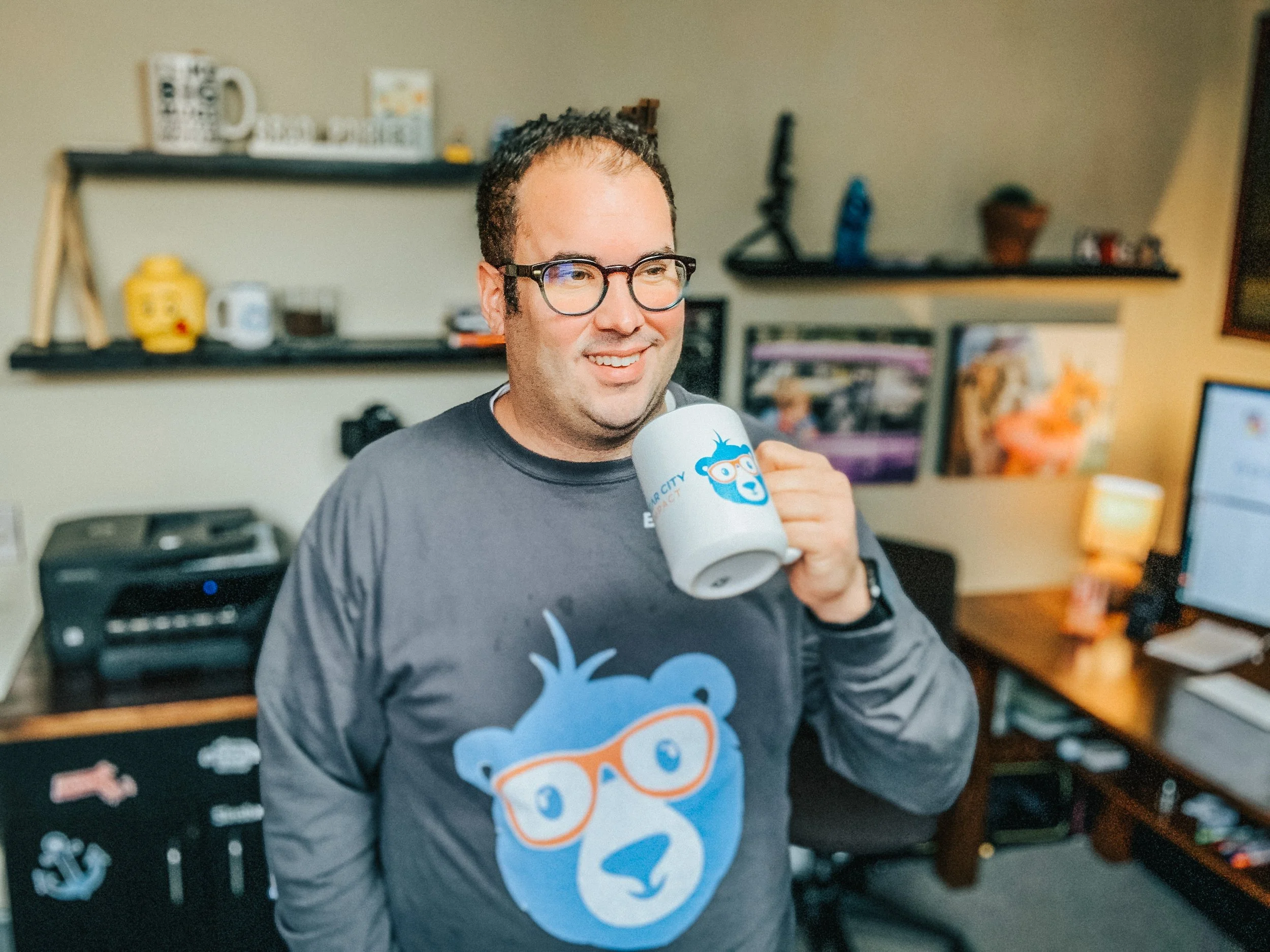
Should I post this right now?
You can't win and you can't lose by posting something - You can only post it.
If you're worried about wether you should post something because it might be offensive, or it might not resonate with your audience - you're already losing the content battle.
I recently had a conversation with a friend of mine about something he wanted to post, just getting my advice on it.
A long time ago, I heard about how Gary Vaynerchuk just reads comments to gain perspective and the pulse of culture.

How To Develop A Content Strategy
Marketing is so important when it comes to building a successful company; the world of business is incredibly cut throat, so no matter what you do or sell, you will be up against competitors.
Marketing is so important when it comes to building a successful company; the world of business is incredibly cut throat, so no matter what you do or sell, you will be up against competitors. Clever marketing in general gets your name out there to the right customers, and shows them why they should choose your business over other, similar companies. But it’s not easy to do this, a good marketing strategy should be multifaceted and utilise lots of different methods to sell your project. Content marketing is one element of this, which is complex within itself.
What is a content strategy and why do you need one?
Creating great content is one of the best ways to reach out to prospects and generate leads, and content strategy is the planning, development and management of content. This not only includes the words on the page, but also images and multimedia such as infographics, videos and more. The goal of content strategy is to create meaningful, cohesive, engaging, and sustainable content that people genuinely find useful and want to share. This helps your content to snowball and in some cases, even go viral. Some of the principles to remember when it comes to content marketing include:
Create quality content to attract customers, engage and build trust.
Don’t be tempted to produce low quality work because it’s quick and easy, tactics like keyword stuffing are banned and easily picked up by Google- this will hinder your progress rather than help. Cheap article writing gigs can be found on any freelancing site these days, but always choose quality over quantity. Either hire writers yourself, or work with freelancers with a proven reputation, who can create the high quality content you need.
Quality content avoids blockers
Research shows that ad blocking software is used by around 30% of Internet users, meaning a third of people will never see the paid advertising messages that are targeted to them. It goes to show the way we need to market our businesses is evolving, no longer is a flashing banner on the screen enough to grab an audience’s attention or sell a product. We have to be smarter- and good quality and valuable content is one example of this. It’s not simply an ad or an annoyance, content marketing provides value to the reader and promotes a product in a way that isn’t pushy or forceful.
Pleases search engines as well as the user
To be successful in marketing, you need to please the user (your audience) as well as search engines. Users will expect high quality content that’s informative, and perhaps even humorous and witty. Search engines algorithms use things like proper backlinks and correct keywords to rank your content. By producing high quality content you can appeal to your user as well as rank highly within search engines.
Getting to know your customers
In order to solve your customers problems through your marketing strategy, you firstly need to fully understand them. Modern marketing now relies less on traditional market research methods such as surveys or focus groups, and pays close attention to things like smart online platforms and tools that tell them everything about their customers’ demographics, online behaviors, and conversations. When you understand how users think and speak about a subject it puts you in a powerful position to tailor content towards them. Some of the ways you can go about this are by:
Developing personas
Buyer personas are semi-fictional representations of your customer, based on market research and real data that you have about your users. This involves gathering insight from different platforms such as website analytics, social media channels, customer reviews as well as actual conversations with prospects and customers. They help you better understand and get closer to customers, as real humans as you understand who your buyer is. Personas help us to understand what customers need, where and when they need it, how you can help and what solutions you can offer to their problems. They can also give you an idea about location (are they local or global customers?) their age (certain age groups respond better to certain marketing methods) and even if they’re likely to be married with a family. All of these things can play into the way you target your content.
Analysing the market and your competitors
If you want to succeed in business, you need to have expert knowledge into what’s happening in your market which includes how your competitors are doing. It’s important to know what’s working for them and what’s not so you can either emulate their successes or avoid their mistakes. Keep your ears and eyes open for what’s happening in your industry which helps you to identify gaps in the market such as needs that aren’t being fulfilled, common frustrations, or trends. It’s crucial that you stay up-to-date and and remain factual based on what’s going on in the world to avoid putting out outdated information. When new information becomes available, update your content or archive it.
Determine marketing strategy objectives
Objectives specific measurable outcomes that will be achieved within a particular time frame and they help individuals evaluate the success and effectiveness of a particular marketing strategy. They aid marketers to align expectations and plans, coordinate efforts, and hold teams accountable for achieving results
Types of content marketing and their effectiveness
There are a number of methods of content marketing you can utilise, but there’s no ‘one size fits all’. It will all depend on your business and your audience, and finding the best methods can often be trial and error. Here are some of the things you could consider incorporating into your content strategy, and why they could be effective for you.
Blog Posts
Blogging allows you to constantly refresh the content on your site, which search engines value. It establishes authority in your given area and builds trust, and a stream of new and fresh regular content gives your audience a reason to visit your site and keep coming back. Blogging is an opportunity to offer more value to your readers and enables you to promote what you do without simply spamming links to products on your social media. For this reason, research shows that you'll generate 3x more leads via blogs than through ads and it’s the perfect opportunity for SEO too, which is why it provides 4x the likelihood of being found in organic search (source). As well as publishing content on your own blog, incorporate guest blogging into your strategy as this can be incredibly beneficial. If you work with bloggers who are well established, the backlink will improve your own domain authority and the content will be seen by the bloggers own network which can help you to expand your own.
Infographics
Infographics are a mix of design, writing and analysis- they are ideal for an age of big data and when users are wanting fast, snappy and relevant information. People love facts, figures and statistics but in a bite size and easy to understand format which makes infographics perfect. They’re easy to scan, view and process and as a result, they’re more likely to go viral than other forms of content. They show an expert understanding of a subject but without having to go into as much depth as you would with typical written content.
Videos
Video is an incredibly important part of your content strategy and is something that most businesses will need to utilise. No longer just one piece of your overall marketing plan, it’s central to your outreach and campaign efforts, particularly your social strategy. Video has absolutely dominated society. According to a research, four of the top six channels on which global consumers watch video are social channels (source). From entertainment to ads, to landing page videos and how-to tutorials for your products, there are plenty of ways this can, and should, be incorporated into your content strategy.
Ebooks
The popularity and perceived value of eBooks has made them a favourite of online marketers; instead of feeling like yet another blog post or video, a downloadable eBook feels far more like a real object of value. Writing an eBook also gives you the ability to showcase your authority on a subject in greater level of depth than a blog post allows. One of the main things that people look for when buying from a brand (especially when buying from them for the first time) is that they’re reliable and genuine, and an eBook can certainly help you to gain that authority. However, eBooks aren’t for every business and audience, so it’s important to know if this is the right direction for you to go in. This is because writing an eBook takes time, you don’t want it to be wasted if it’s simply not a good fit for your audience.
Podcasts
There has been a rise in audio content, it is becoming more and more popular over time. While it’s unlikely to ever overtake video, it’s still an excellent medium to advertise in some cases. It provides an opportunity to engage people- but only if this suits your type of product and audience. One thing to be aware of is the research- it shows that listeners of podcasts tend to be more educated and have a higher income. If your research on personas shows that your audience is likely to be a good fit then this is something you could try. The downsides to using podcasts as a content marketing method are that metrics can be difficult to measure (since you can see downloads but not engagement) and you need to have lots of information to make them work. As with anything you’ll want to be consistent, and consistently releasing podcasts will require a lot of time, effort and information. However, if they’re right for your business they could be an excellent way to engage your audience.
Social Media
Social media is a powerful tool to engage your audience and turn them into leads or buyers. The key to good social media marketing is to use your platform as a way to be social, and not go for the hard sell. It’s best for building up trust and brand awareness, as research shows it doesn't tend to be people’s favourite platform for buying. 2 billion people per month use social media yet conversion rates remain low which is interesting. This being said, it’s a highly important part of your content strategy as building up a following is one of the most valuable things you can do for your business. Use your platform to engage, find out information about your audience that you can then use to target your content. Share blog posts which in turn will hopefully be shared by your followers.
Publishing schedule
It’s content which fuels online marketing- but if you don’t have a content strategy, you will struggle to generate leads. An effective content strategy requires a well planned editorial calendar which is a schedule of content to be produced and delivered to your prospects through different channels. This includes your blog, social media channels, email newsletters and more, all over a specified timeline. As a brand, it’s important to be consistent, your audience will expect this of you and it also helps you to look more reliable and trustworthy. Following style guides for things like language and design helps people understand and learn what you are trying to communicate, and doing so on a consistent schedule lets them know what to expect. Here’s how you can go about it;
List the content that should be published based on your content strategy.
This can include everything from yet-to-be developed content to existing content, or content that will be repurposed for your audience. Certain pieces of content you already have can easily be changed up and republished, allowing you to get the most out of it while keeping to your schedule. For example, seasonal content can often be repurposed each year with a few tweaks.
Content creation and publishing dates
This includes when the content should be created and when it will be published. It can be useful to use an editorial calendar to ensure the right content is being delivered in a timely manner without the hassle of manually going through everything.
A list of channels for delivering your content
You might for example want to deliver part of an eBook and then distribute other relevant content through social networking sites, newsletters and other channels. Think about the way your audience uses their platforms and how best to grab their attention.
As you can see, developing a content strategy is no mean feat; it’s incredibly complex with lots of room for error if you don’t know what you’re doing. Working with an expert or marketing agency can save you time, effort, stress and money. It’s not something you can just guess at.
Content Ideas for Small Businesses during Coronavirus
You might be unsure whether you should keep creating marketing or sales content right now in light of the coronavirus pandemic. Perhaps your business is closed or in a limited capacity. I'll discuss some ideas and tips for creating content right now, what types of content to create.
STREAM STARTS AT 3:23 Mark...
You might be unsure wether you should keep creating marketing or sales content right now in light of the coronavirus pandemic.
Perhaps your business is closed, or in a limited capacity.
I'll discuss some ideas and tips for creating content right now, what types of content to create.
There will also be additional time for questions and answers!

The Best LIVE Stream Software for Mac OSX
This is the 2nd app of three that I use DAILY, although this one I use about every other day. In this video I breakdown 5 ways that I use this program and show some examples.
Get a Free trial of Ecamm here:
https://bit.ly/ecamm-trial
This is the 2nd app of three that I use DAILY, although this one I use about every other day. In this video I breakdown 5 ways that I use this program and show some examples.
Here it is in case it is TL;DW:
1) Scheduling Live Streams - Each week I schedule the live stream for The Morning Impact by using Ecamm Network. This way, it gets posted to Facebook as a preview post, alerting my audience of the new episode, and also alerts my guest so that they can start a watch party!
2) Broadcast Studio - Hands down this is the way to live stream if you have more than yourself on camera. Ecamm let's me hook up multiple camera sources, and then my buddy Dave is on the switcher changing the cameras based on who is talking - JUST LIKE IN A REAL TV STUDIO! This stops the boring one camera angle. Also, I can add in things like titles, overlays, and logos.
3) DSLR Recorder - I record directly from my camera to Ecamm when doing talking head videos, like this one you are watching. This is because Canon is a memory hog when it comes to 4K recording. For reference, for the same 7 minutes of footage, my Canon will store it as 25GB whereas Ecamm records it at 800MB... I dont know about you, but I don't notice the compression when watching on a PHONE (Like 99% of everyone does)
4) Screen Recordings - I also use this sometimes to create tutorials on my computer, where I record my screen and what I am doing, and then can also have a little camera bubble in the corner.
5) Green Screen - This is less common, but has been neat to do. I had a demonstration table at a recent career day for @cravencountyschools, and we made 15 second career videos for the 9th grade students. I set up a green screen, and then had 9 pre-made backgrounds to superimpose the students into! It was a blast!

Budget Alternatives to Adobe CC Suite
This is part one of a three-part series on the three tools I use in my content marketing DAILY. This first video is about the Adobe Creative Cloud suite of apps. I use everyday Premiere Pro, Lightroom, and Illustrator. In this video I'm showing you alternatives for each of these apps, that are made by Adobe - but considered a "light" version of the pro apps.
This is part one of a three-part series on the three tools I use in my content marketing DAILY. This first video is about the Adobe Creative Cloud suite of apps. I use everyday Premiere Pro, Lightroom, and Illustrator. In this video I'm showing you alternatives for each of these apps, that are made by Adobe - but considered a "light" version of the pro apps.

How To Create Content For Your Business in 2020
If you're tired of hearing people say "you need to create content for your business" but then leave you high and dry without actually explaining WHAT TO ACTUALLY CREATE, then this video is FOR YOU my friend
How can I go about creating more content for my business? What the heck do I even post on social media?
These are the questions that I get from business owners constantly. Most of the time, most people just don't know what to post.
In this video, I'm going to show you three quick and easy steps to creating content left and right for your business so it can explode.
Step 1 - Set A Plan
The first step is to set a plan and this cannot be overstated.
Here's what I want you to do:
Take your service or product and then break it down into categories
Then break those down to micro topics.
Under those micro topics, you're going to create a problem, you're going to agitate it, and then you're going to provide three or four tips as solutions to that problem.
This is known in copywriting as the Problem-Agitate-Solve copywriting formula.
But for you to make this really simple so you don't have to overthink it, you're just going to take categories, micro topics and then break that down to a problem and solutions.
As an example, the video that you're watching right now, the micro topic in this case would be how to create more content and the category would be content.
Right now I'm showing you those three ways to help solve the initial problem that I presented in the beginning of this video.
Step 2 - Don’t Overthink The Content
Step two is do not overthink the content that you're creating. It does not have to be a super high production. In fact, I'm going to show you a quick behind the scenes here of how I'm filming this.
All I'm using is my iPhone set up on a tripod and I do have a microphone system and lighting system.
However, for you to get started right now, all you need is your phone.
Even if you don't have a tripod, what I've recommended to people, just prop your phone up on something, prop it up against a book, prop it up against a mug or your computer. Just prop it up against something and just start filming.
The second thing I'd recommend you do is just get yourself a good microphone. You can get a really good microphone by Deity Microphones for $50. This is not sponsored by them, but I use their products religiously. I'm very, very pleased with them. They have a wired mic that's about 50 bucks and it gives you like 20 feet worth of cord.
It will make your video sound a lot better, which arguably is much more important than the quality of the video itself.
Now, if you want to put on a tripod, I'll leave a link in the description in the caption here with one that I've recommended to many clients. It's under 30 bucks, and it gives you a phone holder plus a tripod that can go on your desk or can be floor mounted. It gives you a lot of versatile options.
The other thing you'll notice here as I'll show you in the behind the scenes, I'm swapping up posted notes here. As I've planned out this content, I just wrote down the outline as kind of like bullet points so that way I could just reference the Post-it Note right below my phone every now and then as I'm cutting the video.
Step 3 - MAKE THE CONTENT!
Step three is to just start making the content without overthinking it.
I would recommend using stories as a starting line. They're 15 seconds long, they disappear after 24 hours, so you don't have to worry about it living on your feed. Just start with Instagram Stories to kind of get yourself familiar with video if that's the route you're going to go.
You don't have to create talking head videos like this by the way. You can just create a video showing the service that you're doing or showing a product. You don't have to be in the video. You do not have to do a talking head style video.
If you are going to do any sort of video, even if it's just you narrating over something that you're just kind of showing people, what I would recommend doing, starting with just a one take video.
That basically just means you hit start, you talk for a bit, and then you hit stop and that's the thing you post. You do no editing to that at all
You can make that successful if you follow the outline that I just showed you, which is one sentence, one problem, one sentence, one agitation equals one sentence, and then provide three tips or three solutions, and each of those are about one sentence.
You can pretty much get 60 seconds of video from basically those five sentences that you're going to talk about if you plan it out correctly. Now, if you do want to take it to the next level and start producing and editing videos, then you could do something like what I'm doing right now.
I'm taking each bullet point or each step and I'm hitting stop, start, and stop on my iPhone and then I'm going to take that into Premiere and edit it right after.
Now, video editing does not have to be complicated. It does not have to be overwhelming. In fact, you can use things like Premiere Rush, which is my go-to for beginners. It's super easy.
You can just take your iPhone footage, put it right into Premiere Rush, and start editing a whole bunch of these clips together.
If you want a personalized one-on-one session on how you can do that, wink, just drop a comment and then I'll reach out to you. But otherwise, you do not have to have a highly produced video. You can just literally hit start, stop, and then you're good to go.
BONUS STEP
Okay, those are three steps. But now as a bonus step, as a fourth bonus step, I'd recommend leaving a CTA at the end of the video, which is a call to action.
This is basically the next step you want your viewer to take. Again, whether you're doing a talking head like this or you're doing kind of a product overview video that you've talked over, either way, at the end of that video, you want to let people know what the next logical step is to take.
The CTA would look something like this:
"Hey, if you've enjoyed this video and you want to learn more or perhaps have a one-on-one video coaching session, then reach out to me in the comments and I'll get back to you and show you how you can easily produce more video content this year so you can explode your business and your goals."
That's it. That was my call to action. That was both a demonstration, but also an actual call to action.
If you wanted more help, reach out to me. But otherwise, that was how you're going to structure your video so that way you can make a whole bunch of these videos.
Again, what I want you to do, create a plan, create a plan of a whole bunch of these micro topics, write an outline for them, and then just start recording, hitting start and stop, and do not overthink it.
Just make the video. Throw spaghetti on the wall, see what sticks. As it starts to stick, then start adding stuff to it, such as editing extra B-roll footage, just this behind the scenes stuff, titles and all that kind of fun stuff. But for now, just start, stop, and post.
That's basically it. If you saw value in this video, go ahead and hit a like button, and I'll see you in the next one.

Can You Get More Web Traffic From Twitter?
Hi there! This is a slightly newer video format for me. I've been offering marketing coaching services for a while now but have recently begun to record my sessions with clients. 100% of my coaching sessions are done in-person.
Hi there! This is a slightly newer video format for me. I've been offering marketing coaching services for a while now but have recently begun to record my sessions with clients. 100% of my coaching sessions are done in-person.
In this first episode of coaching sessions, as I'm calling it, you're watching a segment of consultation with Bob Laverty, a wedding DJ in North Carolina. He's been in the business for several years and is now trying to increase his presence online through social media and SEO.
In this style of video, I'm jumping back and forth between the coaching session and adding some commentary for deeper context and explanation of what I was saying to my client.
I hope you enjoy this, if you do, please hit the like button and consider subscribing.

How to Make A Facebook Messenger Chatbot in 2019 – Free Easy Setup
If you want to learn how to set up a chatbot for your website or Facebook page then this video is going to blow your mind.
Today, I'm going to show you how to:
Set up a chatbot for your Facebook page or website without writing a single line of code.
I'm going to show you how to create auto-responses for your chatbot to interact with your audience while you're not even there.
I'm gonna show you how to put this on your website so you can get messages to your Facebook page from your website as well.
Which Facebook Messenger Bot Service Should You Use?
The messenger chatbot service that I use is called Mobile Monkey. And the founder Larry Kim had this to say about chatbots.
People already overwhelmingly prefer messaging for communication, but yet businesses haven't figured this out.
100% Mobile Monkey Facebook Messenger Chatbot
More often than not, I don't want to have to call up a business. I end up either messaging them on Facebook. It's not because I'm antisocial, in fact I'm completely the opposite of an anti-social person.
I just find that messaging oftentimes is much quicker especially when I'm trying to get support from a company that I'm already using. You know most of the time when you call in for phone calls nowadays, it's all automated anyways. So I would much rather get an automated response back from a messenger bot because it's just gonna lead me to the place that I need to get to very likely.
The thing of it is most people aren't using chatbots so this is kind of a really nice way for you to get a competitive edge because people aren't using these chatbots right now so this isn't like a flooded market feature that everyone is using right now.
So I'm gonna keep this video as short as possible so you can just finish up with this and then just get to installing your chatbot right away. But this video is part of a five-part series on web design trends to boost conversions in 2019, and this is part one.
I recently published a highlight of the top five web design trends to boost conversions in 2019. So I'll throw a link up in the cards if you want to be able to check that video out as well. But if you find this kind of content helpful then consider subscribing right now so you can get notified of the other four tips that I'm going to show you in-depth on how to boost your conversions in 2019.
Okay, so let's get into the meat and potatoes. Let's just quickly talk about why chatbots are part of my web design trend.
Why Chatbots Are Part Of My Web Design Trends
First of all, Facebook Messenger messages have an open rate of 80%. Those same messages have a click-through rate of up to 20%. Now, 20% doesn't sound like a whole lot but go ahead and look at the last email campaign that you sent out and look at the click rate of that email campaign.
I thought so.
So 20% is actually a really really good click-through rate when it comes to one-to-one message communication. Plus, when you set up a chatbot properly, it's going to be your best sales and marketing person 24/7.
It's going to deliver the same messages everyone in the same format. And not only that, but it works on both your Facebook page and your website simultaneously and seamless. And lastly, once again, it's currently not being used by everyone, hence, this is why I call this a trend.
If you don't know me. My name is Brad Poirier. I'm the owner of Bear City Impact which is a web design and video marketing business. Now, I'm going to show you exactly how to create this chatbot in just a few seconds.
But before I do that, if you want to pause this video, and in the description box below there's a link that says click this to start a chat, that's going to open up a new messenger chat through my Bear City Impact page and I've created a special chat sequence for this exact YouTube video.
Click this link to try out the test chatbot sequence: https://bit.ly/2JCWCIm
Okay, so we are now over at the computer and I'm gonna jump in and I'm gonna show you how to create a chatbot for your website and your Facebook page. Let's jump in.
So we are on the Mobile Monkey web page. So if you need it's just mobilemonkey.com. So we're just gonna click login. You'll notice basically there isn't like a get started kind of thing. The app itself is free. They do have paid plans.
When I click login, it's actually asking me to sign in with Facebook. So there isn't an option to like sign in with an email or something, it's basically just sign in with Facebook so that's all you got to do. So we're gonna click sign in with Facebook. That's just gonna take my account. In here I already have the chatbot set up, okay. So this chatbot basically already set up here.
The first thing actually I want to show you is how to install this on your website because it's super super easy. Once we get that out of the way then I can show you how to create the bot and you can create multiple sequences for your bot depending on what you're trying to do. So to do that we're actually going to click on lead magnet and over here it says customer chat widgets, okay. And basically what that will do, I already have one set up here but to create one is super-easy and so basically we’re gonna do add customer chat widget. We're gonna give this a name. We're going to call this website chatbot, okay. The dialogue is one of the dialogues that you've already set up. So I've already set these things up here and so I'm gonna do the welcome dialog, okay. So basically when they click this button here on my website, I want them to go to the welcome dialog which is sort of just like the sequence that I want to put them into. And then you can also change the color of it. Then from there you just need to copy this code and then add it to the header of your website. So depending on what website you have, it's gonna be different for every kind of website. I'm not gonna get into it.
I do mine through Google tag manager. Google tag manager is super easy. Basically I just go to tags and from here I just add a new tag. If you don't use tag manager now, I highly recommend it. Much easier to add these little plugins to your website. So I'm just gonna call this one Mobile Monkey chatbot and in the tag configuration I click custom HTML and I add my script there. And then on the triggering I'm going to do all pages. It's the way it comes up on every page and then that’s basically it. So once you click submit then from there it's going to automatically activate that and again it's gonna look something like this on my particular website. So in yours it's gonna a little different. And so here you'll see the little chat button again here so this basically opens up a chatbot.
So now we have installed the chat widget to your website so now we're gonna show you how to build a bot. And I'm gonna build this bot for this particular YouTube tutorial that we just basically talked about in the very beginning. So again if you haven't interacted with it yet and you want to try it out, click the link in the description that says click here to start a chat and you'll see basically what happens. You'll basically see what we’re… Basically what we're building right now is what's gonna go to that little click here to start a chat so you can kind of see what happens in the future of this video which is now. [Phew] Mind blown, told you.
Okay, so the first thing we need to do is basically build a new dialogue for the YouTube bot that I'm creating right now. So we're going to do is click on the bot builder from the home page wherein click on dialogs. And basically we're going to click on add a new dialog and we're gonna call this one YouTube video. I'm going to create this dialog. And basically the first thing we want to do, so you’re kind of like it's almost like building out a web page but just kind of like step by step so you're building out a series of text here. So let's go ahead and just throw in perhaps an image to start with. I'm just going to grab an image. I'm going to speed this up real quick. Okay, my dial-up internet is finally working so I have the image uploaded now. So then we're gonna add another little widget here. So basically this will happen, this is the first thing that someone will see. Just click add a widget and we're going to say I want a little text piece here actually so we're gonna put a little typing box. So this kind of simulates the fact that someone is typing right now and then we're going to put in some text and we're gonna say hi, first name, and then we're gonna add another little typing piece. We're gonna add another widget. We're gonna add this texture that says, “Thanks for watching my YouTube video. If you'd like more helpful content like this, please tap the subscribe button below.” And we're gonna add a little button here and we're actually gonna click.
So there's a couple things here. So if I can click a dialog and basically this button will take them to another dialog so this is kind of how you can funnel them into different parts but right now I'm going to keep it super simple. I'm going to just click a URL and basically that URL is going to be my subscription link so when they click this or when you click this, it'll subscribe you. So I'm going to click this add button. I need to enter a button name, duh. Subscribe on YouTube. Okay, now we're gonna click this add button. Okay, so that's basically it there. So this is all that it's going to do. I mean this is like a very very basic bot. But from here… That's pretty much it. So I'm just gonna go back here we can see that this is all done here. I'm gonna copy this link so I can test this dialog by clicking the test dialog and then opening in messenger. And now when I do this, you'll see here you this is the sequence here. So it's basically has through that picture in there and then it says hi Brad so that's obviously that's me that's logged in here. And then here's the thanks for watching my YouTube video. If you'd like more helpful content, please tap subscribe button below. Subscribe on YouTube. And when I do that [Pop], it opens up the YouTube sub confirmation. Are you sure you want to subscribe to Brad Poirier Bear City Impact? That's basically it, so that's like super super simple.
Now even a little bit simple, you can basically take this now and you can do this for a lot of other things so this could be from your YouTube. So perhaps if you have a video on YouTube, you can use this to send them to a content upgrade that you want them to download but you're doing this all from messenger, right. So they're already logged in. You don't need to grab their name and email, all kind of stuff. You basically already have their contact information from Facebook's database and then you can simply say if you want this you know content upgrade just confirm your email here. So it's gonna assume their email which is the one they're logged in from or they can change it up and then you can give them the content upgrade link right from within your Facebook Messenger. So it's super super easy.
So this is a very very basic kind of bot but that's basically the bottom building from Mobile Monkey. I mean it's literally just a few minutes and you can pretty much get yourself going here and really what you can do is this just limited to the ideas that you have. So again that's basically that's how you create a chatbot for your website or Facebook page it's, pretty easy.
Okay, wasn't that super helpful? So if that was helpful maybe perhaps hit that little thumbs up button, that would be great. I'm really interested to see the chatbots that you create so go ahead and drop a comment with what your Facebook page name is and I'll go ahead and visit it in a few days and I'll go ahead and check out the chatbot that you've created. And now remember this is part one of a five part series that's going to show you how to boost your web design conversions in 2019. So be sure to subscribe and hit the bell button so that way you can get notified when I show the other parts to these web design conversion trends. And throughout the week I'll be posting some additional content on these web design conversion trends on my Instagram. So be sure to visit @bradpaulp for more tips. But that's it for now. I will see you on part two.
How To Upload IGTV Videos Widescreen Horizontal in 2019
On May 23rd Instagram announced that they are now supporting horizontal video for IGTV. Here’s the problem – when you upload a horizontal video to IGTV, still today, it automatically crops it for a vertical video.
On May 23rd Instagram announced that they are now supporting horizontal video for igtv
Here’s the problem – when you upload a horizontal video to IGTV, still today, it automatically crops it for a vertical video.
So how exactly do you upload a horizontal video to IGTV natively without having to do that weird move it sideways trick in your editing software.
First let's talk about why Instagram has to be so difficult with everything they do.
When I went to the IGTV app I went to uploaded a horizontal video and it still cropped it in the portrait mode. I said well maybe it was just for a preview, but it actually posted it that way! It was still in portrait crop.
But then I cracked the code. I figured out how to upload a video to IGTV horizontally without having to turn the whole video sideways.
This is how you upload a video horizontally natively to IGTV without any weird trick and I'll show you exactly how to do that looks just jump onto the computer.

Make Instagram Highlight Covers Free
Considering that over 400 millions Instagram users are viewing Stories, DAILY, your content plan definitely needs to include Instagram Stories. Let’s put that another way – 80% of Instagram users watch stories. Think of stories as another medium inside Instagram to reach your audience. Here's how to create awesome covers for your Instagram stories – for free!
Considering that over 400 millions Instagram users are viewing Stories, DAILY, your content plan definitely needs to include Instagram Stories.
Let’s put that another way – 80% of Instagram users watch stories.
Think of stories as another medium inside Instagram to reach your audience.
However, stories last for 24 hours by default – and poof! They’re gone! Well, they’re gone to the public eye.
They’re available to YOU in your archive.
When you set a story as a highlight, it stays there forever, or until you remove it from the highlight.
Here’s a step by step to creating highlights, and highlight covers.
If you watch this through the end, I’ll show you how you can get a copy of my highlight template for free. I’ll give you a free template you can quickly add your own brand color, and free icons to use for your highlight covers.
The reason you want to create a highlight cover is so that:
Your audience has an easy visual reference to what that highlight is about
It looks pretty
Let’s create the highlight.
Assuming you have already created at least ONE story, go to your archive.
From the archive, find the story you want, and then tap the highlight button.
If you’ve never made a highlight before, it will ask you to create a new one.
Or, if you already have a highlight, you can add to an existing one OR create a new one
Pro-tip: You don’t have to wait until the story is archived to highlight it. If you have an active story within its 24 hour period, you can just view it and tap the highlight button while it’s still active!
Now that we have our highlight, we’re half-way done!
We just need to create the highlight cover.
Ok, so let’s jump over to Canva.
If you don’t have an account with them, sign up for a free account OR just use whatever graphic design app you like best. I typically create all of my social media graphics in Adobe Illustrator, but to make this super easy for any user – I’m showing this to you in Canva.
In canna, create new design, then type in “Instagram Story”.
It will create a new design in the 1080x1920 dimension.
First things first – set your background color. I’d recommend using a solid color and matching it to your brand’s color.
Next, search for an icon you want to use.
Alternatively, you could just use text – but highlight covers are the perfect use of icons in design.
Here I’m creating a highlight cover for “Learning”.
I’m looking for an icon of a graduation cap, so I type in education
I got lucky! It’s a free one. Some of the artwork in Canva is paid.
Let’s change the icon from black to white so it pops out more.
Tap the color square in upper left and change to a new color. Depending on your brand color, you might want to use a dark icon with a lighter background.
Now, resize the icon a little. It can’t be too big or too small.
If it’s too small, you’ll have to zoom in very far and the highlight cover will be fuzzy.
If it’s too big, you won’t be able to zoom out.
I personally haven’t yet found a way to size it perfectly.. I just kind of eyeball it.
I kind of make it about 1/3 of the height though - ish.
Watch as I duplicate the icon twice, you can see they are evenly spaced out in thirds… so I’m happy with this size.
Now, Canva has what’s called grid snapping in place. So move the icon around until you see both the purple vertical and purple horizontal guide lines – this indicates it’s centered vertically and horizontally.
If you only have ONE highlight you’re all set to download.
If you have more than one highlight you need to make a cover for, the tap that copy page button.
This way, you just need to swap out the icon.
I’ll create one more here for my coffee highlight
One thing I like to do is drop the new icon in over the old one. Then snap it to the middle, then use OPTION-CLICK DRAG (ALT on PC) to resize proportionally.
Then, I remove the old icon, and re-center the new icon.
Poof, it’s done !
So now I have two highlight covers ready to go.
Let’s download them.
Click the down-arrow in upper right corner.
You want to save as PNG, as high quality image
Make sure “all pages” is selected.
It’s going to save it as a zip file if there’s more than one, or just one single PNG file if there is only one.
Side note, I call it a “ping” file, but it stands for portable network graphic.
#NerdingOut
Now, to be completely honest - this next part is probably the most difficult for everyone to accomplish.
You need to get the image you just downloaded – on to your phone !
If you have a Mac and an iPhone – the EASIEST way is to airdrop it
If you have a PC, You’re going to have to google that one. I draw a line in the sand with any sort of PC tech support… yuck.
I’m just going to airdrop this real quick so I can show you the next step.
Ok, now that the image is on my phone – I’m ready to go back to Instagram and create the cover.
Here’s a PRO PRO tip. To make a highlight cover, you USED to have to create the Instagram story, use the image as your story, then set the highlight, then set the cover.
That’s so 2018.
As of this past July, Instagram just enabled using your camera roll for a cover!
Ok, let’s goto your profile, find the highlight you want to change.
Tap and HOLD the highlight until “EDIT HIGHLIGHT” appears.
Next, you’ll tap the “edit cover”.
From there, slide all way to left until you see the picture icon. Tapping this will let you choose from your phone’s photo library.
Open that photo, and let’s center the icon nice and big inside the circle.
Tap SAVE AND YOU ARE DONE my friend.
That is IT.
So to recap how easy this is, you literally just:
Create a story
Tap “add to highlight"
Create a new highlight name
Add your highlight cover graphic as the cover
DONE-SKI !
Now, for the free template.
Click the link in the description OR on this page and I’ll send you the template to your email.
You can then open this template up in Canva, and then save as a template to your own Canva library.
From there, just swap out the colors and add your own icons.
I hope this was helpful to you. If it was, please subscribe to my channel, like this video so more people can find it.
AND, in the comments – tell me what you like most about stories for Instagram.
Cheers!

Why I'm Switching To Later For My Social Media Platform
TL:DR; 1) Excellent media manager, 2) quick schedule a week's worth of posts, 3) hashtag suggestions, 4) and link in bio management
TL:DR;
1) Excellent media manager, 2) quick schedule a week's worth of posts, 3) hashtag suggestions, 4) and link in bio management
If someone was to ask you: "Hey, have you ever tried using a social media app to manage your social accounts?" - Likely you'll respond with something like Hootsuite. In fact, I've recommended Hootsuite to many SMB's over the years. I've also recommended Buffer as an alternative. Now, those are two in a sea of 100's of apps that can help manage your social media accounts.
In fact, I have been using Buffer for quite some time now to manage my two business profiles, and several client pages. There's a lot that I like about Buffer, and it's super simple to use. A somewhat unique feature they have is a content inbox. You add a few RSS feeds to an inbox and you can quickly schedule content from those sources.
Their pricing is reasonable also. Depending on how many accounts you'll need and how many team members, you'll pay anywhere from $0 to $15 if you're just one person managing one business. After that, their next tiered plan goes to $99.
After a while of using Buffer though, it's time to say goodbye to them. It's time to say hello to Later, well, again. I actually used Later for a brief month, and just about considered switching to them a few months ago.
At the time, I was stuck on a few components that were missing in their tool set. So, those components are still missing, but I've come to realize that I can live without them and if they get added in the future, that'll be great too.
Here's the reasons I'm switching to Later.com for all of my social media management. There are some points of criticism I have though, that I explain in the end. You'll also see what I believe those missing components are, in case those are deal breakers for you.
An obsessive compulsive media library
"Did I post this picture yet?"
"When did I last post this picture?"
Those are two questions you can easily answer using Later's built-in media library, and more.
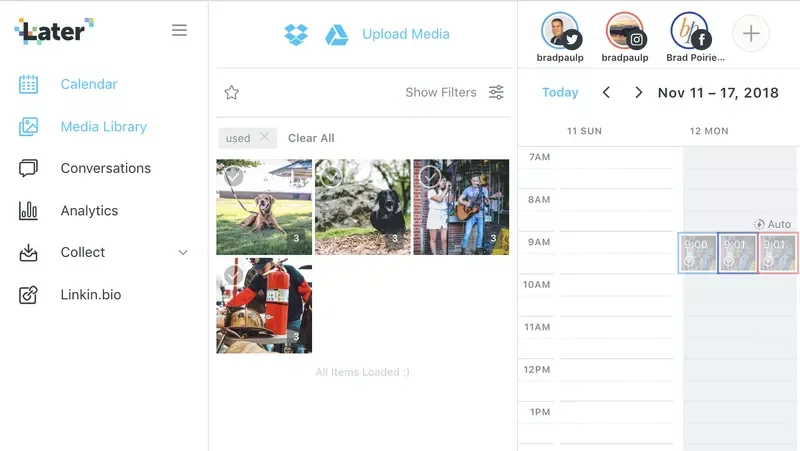
The first thing you'll want to do is add a bunch of images and videos to your media library. You can do this easily with a bulk upload of images via drag and drop. Literally, just select a bunch of images on your computer and throw it onto the media library – it adds it to the library for you and as a bonus, preselects all of them for tagging.
Which brings me to my next media library feature: tagging. With your photos selected, you can tag the photos for easy reference.
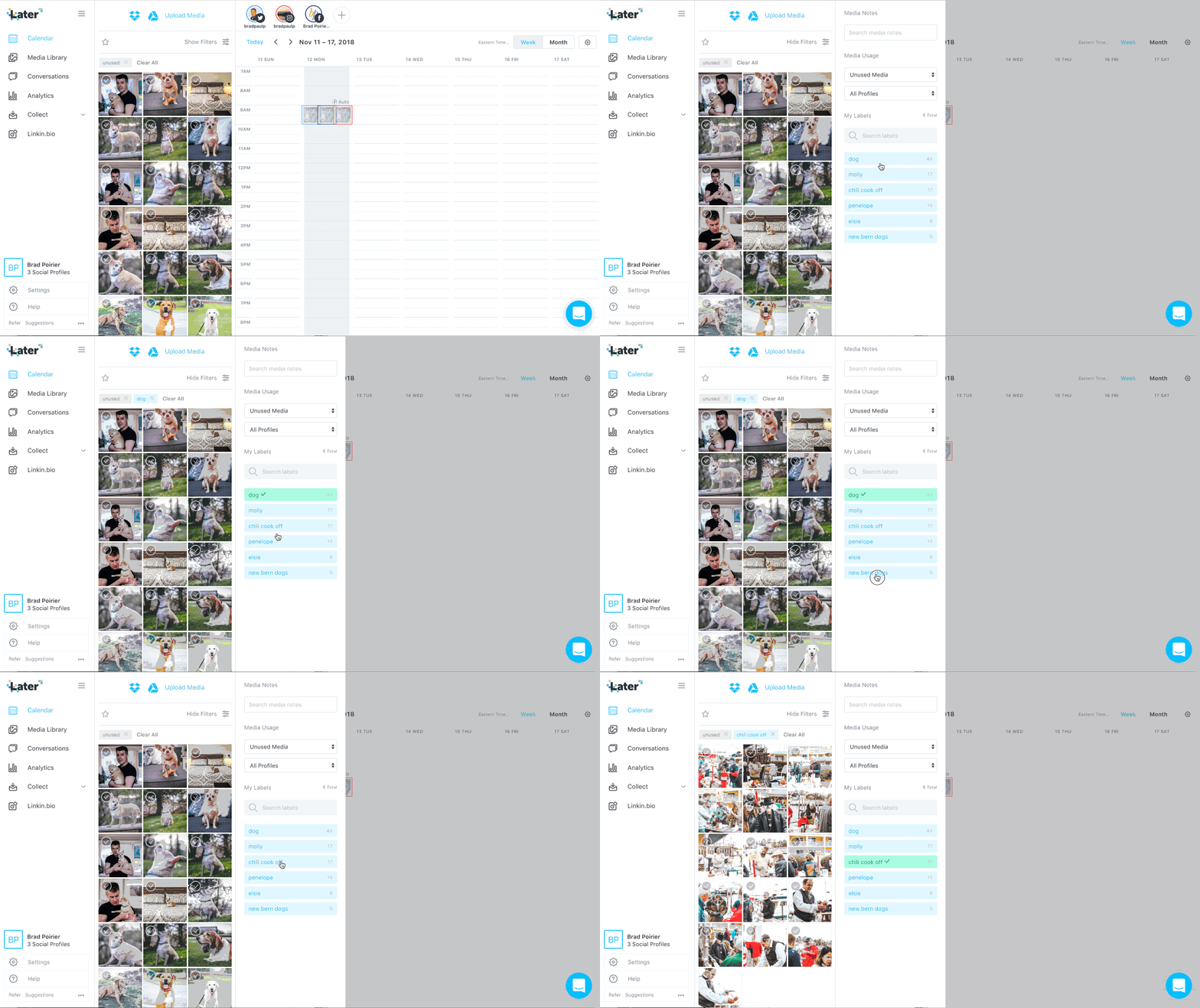
For instance, I've done a lot of dog photography in my side hustle. Here I can upload photos from a session, and tag them as "dog" and then the name of the dog. Now I can quickly find photos to schedule out for just that one portfolio. By default, the "unused" tag is filtered. So this way, Later will only show me photos I have not used in a post yet. You can easily change that filtered to "used" or "all media" so you can see everything.
There is also a native dropbox and google drive integration. If you often store your finished photos or use those services to store media – you can just upload directly from those cloud services.
A hidden gem for this media library is external collaboration. If you have someone that takes photos for you, but is not on your team, or you just don't want them having access to your later.com account, you can invite them as a media collaborator. This feature works awesome and flawlessly.
You'll set up your custom inbound email @submit.media. For example, let's say your business is Tony's Tacos. You just put in something like: tonys tacos in front of the @submit.media area. Now, you can just have yourself or anyone else email photos to tonystacos@submit.media – and poof! your photos will be ready in your media library for use! You can, of course turn on approval required before it ever makes it to the media library. No photos will get posted anyway until you schedule them.
Quickly schedule your social media posts
There's several ways you can go about quickly scheduling your social media posts with Later. I think it comes to what workflow you are comfortable with AND if you're focusing on certain social networks or not.
The first thing you want to do with your social calendar is set up what days and times you want to post on. You'll do this for each network, just once. Once you have created this weekly schedule, you can take a bunch of photos from your media library (wink) and drag it to the calendar. Later will then create a scheduled post for each content. You can go into each of them and just add your captions, and hashtags and links.
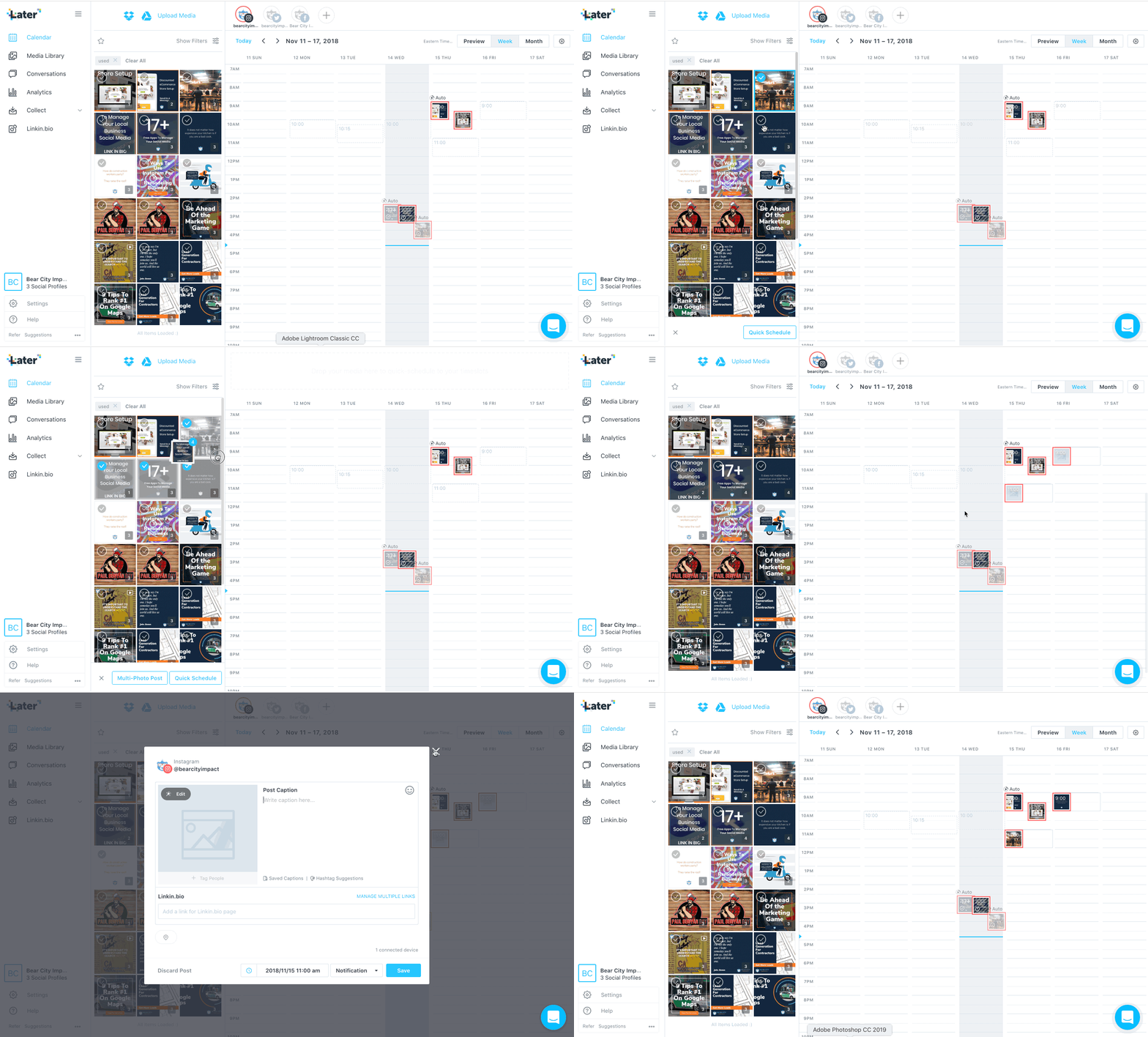
Scheduling to multiple social networks
Quick scheduling works with just one social network at a time. If, however, you want to schedule one post to multiple social networks at once, you'll want to use the multi-post scheduling feature.
Here you'll select the social channels you want to publish to, drag a photo onto the calendar, and then put your caption in.
When you click NEXT, you will actually be able to customize each network. So basically you have one 'master' caption for that post and then you tweak it per channel. For instance, you'll be required to trim it down for Twitter if it's beyond the 320 character limit. For Instagram, you'll want to remove any links you've placed and put that in the LinkIn.bio section – more on that Later! (all puns intended)
Then just watch and wait. Your perfectly captioned post will appear on all the networks you selected at the time you've scheduled it. Voila.
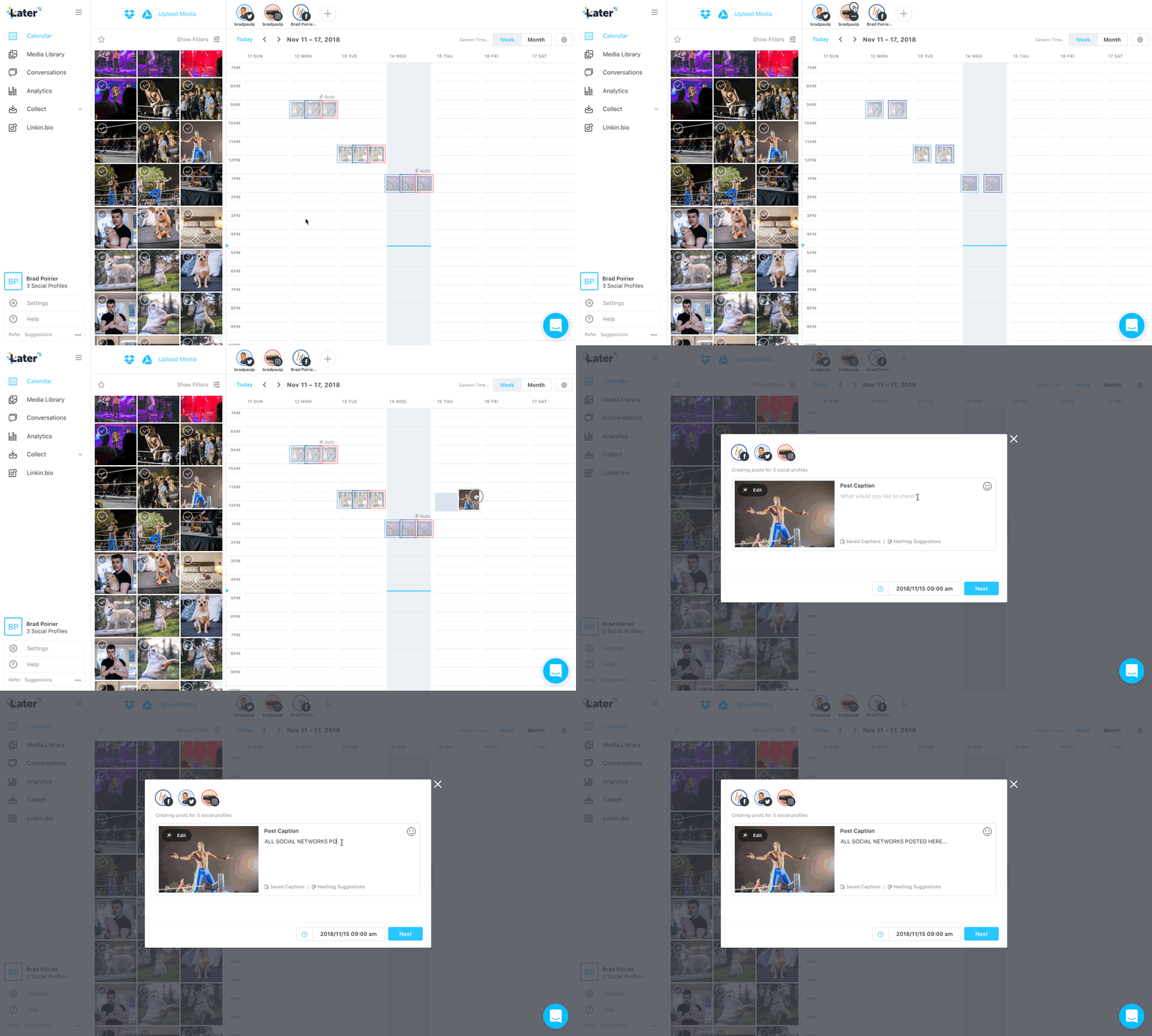
Auto-post to Instagram
Recently, Instagram opened up its API to allow direct posting without the need for using the mobile app. This is only for single photos though. If you're schedule multiple photos or videos to Instagram - Later has a workaround for that.
Let's say you schedule a video post for Tuesday at 10am. When that time comes, you'll get a notification to your phone from the official Later app. You'll confirm that you're in the right Instagram account, and then it will open Instagram for you with the caption already copied to your phone's clipboard. From there you'll just select the different photos or the video from your camera roll.
BOOM!
4 Bonus Gems For Creating The Perfect Post
You might have noticed in the above screenshots something called "Saved captions" and "Hashtag suggestions".
This is your life-saver, eh hem, time saver.
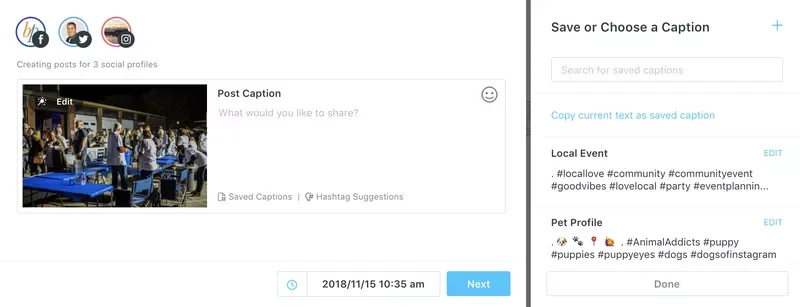
Saved Captions
With saved captions, you can select from several predefined captions. I personally use them for saving my hashtags.
Yaaaaaas, that means no more having to switch to Evernote to copy/paste hashtags there. I just click on the one I want and it adds it to my post :)
Hashtag Suggestions
Well, "Hey Brad, how do you even know what hashtags to use?"
I'm glad you asked. Later has a built in hashtag suggestion box. You put in the hashtag you want to start with, and it will spit back several comparable hashtags. Complete with a relevancy to your original hashtag, and also how many times it's been used, so you can see its popularity.
Tag users directly
Many other platforms do not let you tag other users outside of the Instagram app. This is also in part due to recent API restrictions, most of which came from the Cambridge Analytica scandal.
Later has a feature that allows you to tag users in the photo. Technically, if you also put their handle in the caption exactly as is, it will tag them in the actual post. It just won't show you that you've put the correct handle in during the caption.
Seek And Share
Sometimes you come across content that you really love and want to share it also. You know what I'm talking about – the HOME BUTTON + SIDE POWER BUTTON to activate a screenshot, or using a re-share app.
With Later, you can search for hashtags that you want to find content for, and then you can import the photo or video directly into your media library to reshare. Just, it's a good idea to tag that original account when you DO share the content, to avoid copyright infringement. 😳
Use your one link wisely
This is an Instagram specific feature, but it's worth its weight in gold. Instagram only gives you ONE clickable link in your entire bio area.
Just a quick break down of how your bio even works:
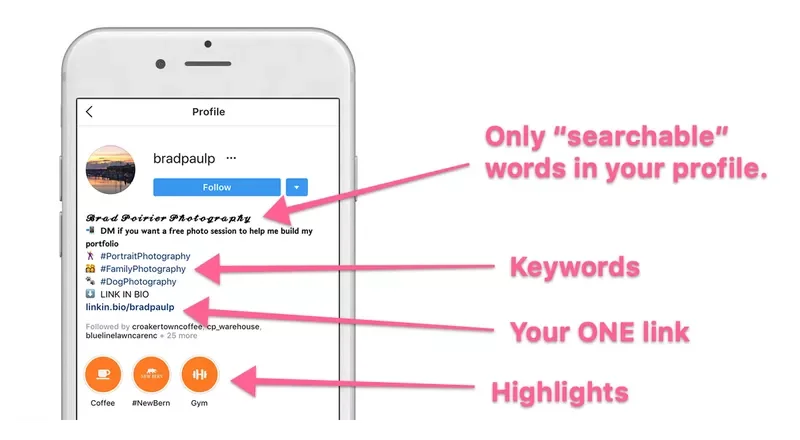
Your NAME can be anything, completely different from your username – and it should be. The name is the only searchable text from Instagram, use this like the page title in your website SEO.
The bio description area has a maximum set of characters - I recommend using this as a "keyword" area. Your profile can potentially come up when people are discovering hashtags.
At the bottom, you have your highlights, if you've enabled them for Stories.
Right above that though, is your ONE link Instagram gives you to place in your bio. In case you didn't know why this is so important – any link you place in the caption of your post, is NOT clickable. So, please stop placing links there, no one can click them. No one is going to type that 💩out into their browser – from their phone nonetheless.
So, what Later has done is something magical. They use a feature they built in-house called Linkin.bio to handle multiple links.
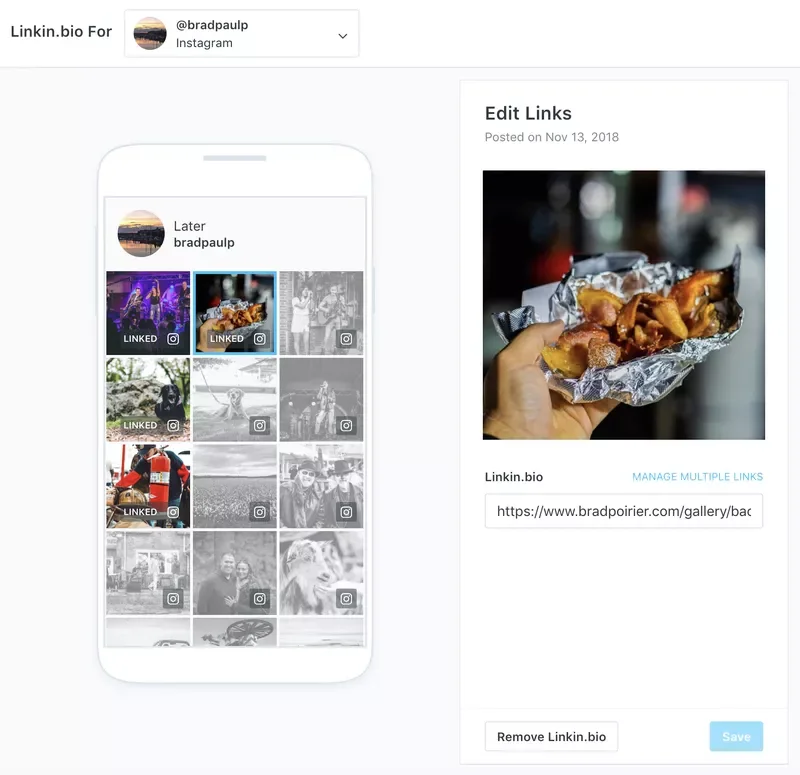
Basically any links you want people to get to on Instagram, you add them to your linkin.bio. You do this easily by simply pasting the link into the box provided during your Instagram caption.
You then replace your current website link in your bio, with the one Later provides you. From there, Later handles the rest. When someone clicks on your special link, they'll be taken to a page which has all of the photos you've tagged for links. Now your visitors can just tap the picture and go to your intended link.
Perfecto' !
Analytics that give you actionable data
I'm pretty certain that most dashboards that have some sort of analytics to them were built by data junkies, for data junkies.
There's just toooo much data to comb through usually.
Not with Later.
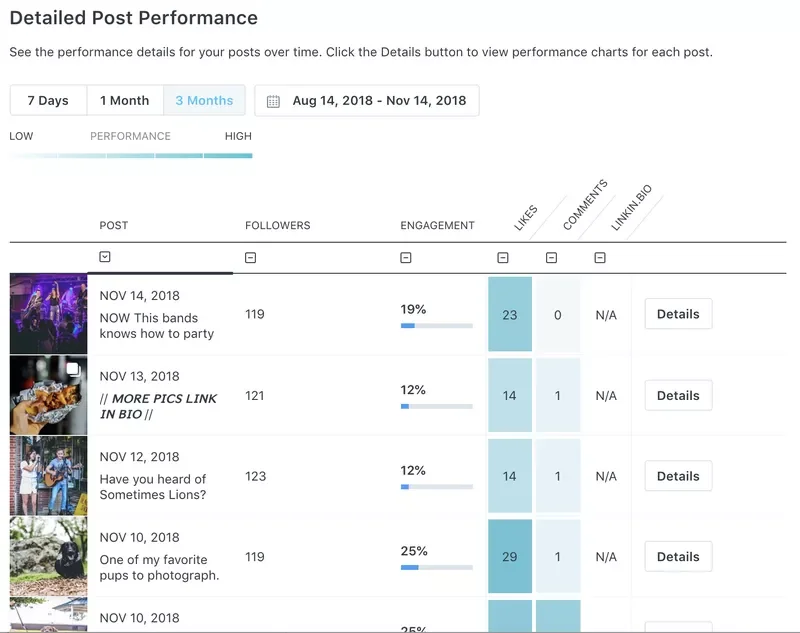
The analytics dashboard, which is currently limited to Instagram and Pinterest only, gives you a quick but powerful overview of your social media performance.
The follower count shows you how many followers you had at the time of that post being published. The engagement column shows your overall engagement percentage – which is a calculation of the likes, comments, and linkin.bio clicks divided by your follower count at that time.
Finally, you can see how many likes, commments, and clicks each post received. You can also sort by any of these columns.
Perhaps you want to create more content that generates more comments.
Just filter by the comments column, and you'll see your top performing posts that generated the most conversations. Then, you can start creating more content like that!
What's the best time to post?
This is another Instagram specific feature, but it's powerful!
Most other social media scheduling platforms will give you a recommended posting time. They might set up a queue based on known industry best times to post. However, that's really not personalizing it to YOUR feed.
Later will look at your historical posts, even the ones that weren't posted by Later, and determine the best times to post in the future based on engagement rates.
You can then use these "best times" to create your quick schedule calendar mentioned earlier.
Manage engagement right from the dashboard
Comments on your insta feed are one of the biggest factors Instagram uses when sorting your posts out in their algorithm. It's not enough to get comments though – you want to engage with them as well. This is both useful to create a community around your product, but also to keep the conversation, eh hem, engagement going.
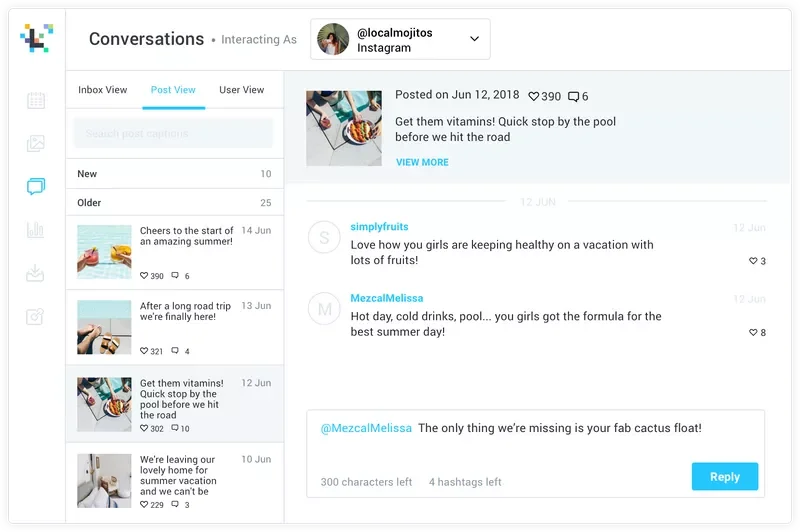
via later.com
With Later you can:
Manage Instagram conversations from within your dashboard
Respond to comments on recent posts
Like comments (heart)
Delete comments
This last one is particularly useful, especially when you get the robo-dummy comments inviting your followers to like their page.
They still need to work on a few things though
I think Later is one of the best social media management platforms out there, contending with the likes of Hootsuite, and my former pal, Buffer.
However, they're not perfect. These are a few pain points I've run into, but these may not be a big deal to you. It's worth noting however.
This first feedback is a small one, but could make life a bit easier. If posting to something like Twitter or Facebook only, it would be great to create a post with no image, and then have an image pulled in from the URL. Basically, right now the only way to create any new post is to add some sort of media to it – photo(s) or video.
I get it.
Sometimes though, I'd like to schedule sharing of content from another source, and I really don't want to have to try and get images from that site first. (Though, for what it's worth, they do have a handy Chrome extension that lets you right click any image on the web and add it to your media library)
The second feedback is to include analytics for Twitter and Facebook. Their support team has told me they are looking to integrate Facebook analytics in the future. I'm keeping my eyes peeled :).
Thirdly, they yet to have implemented anything beside Instagram, Facebook, Twitter, and Pinterest. LinkedIn is NOT present in their social networks. It's not a deal breaker for me, but it would be convenient to have as an option.
Last feedback, and this might be the most important. Transparently, they're kind of slow when it comes to responding to support requests. Their chat box indicates they usually respond in 24 hours. That's true. Perhaps I find this frustrating because there IS a live chat box inside the dashboard. I don't think you should have chat widgets on any part of your site unless it is monitored for at least some part of the day.
That's really it though. Those really aren't huge flags for me, so I'm giving them a real go at their platform.
What social media management tool are you using currently? If you're looking for other tools, I have a roundup of the 17+ best free social media tools you can use in your business right n
17+ Free Social Media Tools For Managing Your Local Business
The best social media tool in your digital pocket is the one that's accessible. More than that accessible though, I think it's also the one that you actually use. It makes no sense to invest your time or money into something that becomes shelfware. Here are 17+ of the best free social media tools you can use right now.
What's the best social media tool in your digital pocket?
The one that's accessible. That was an obvious one. More than that though, I think it's also the one that you actually use. It makes no sense to invest your time or money into something that becomes shelfware.
I would argue that the best social media tools are in your smartphone. It's with you 100% of the time, so it meets the accessibility requirement for sure.
Using your smartphone to the max, that's a different story. I've heard so many small contractors tell me 'I have this iPhone but I'm sure I'm not even using 1% of it's features.'
It's not that you are using the iPhone features – you're not using the right apps!
I put together a list of the 17 best and free social media tools to manage your business, broken down into five categories:
Content
Make It Beautiful
Publishing
Engagement
Website Tools
I gave this as a presentation to a local business group in October of last year, and many of them have told me they are using these apps today.
Want to download the presentation? Click here to get the download.
Content Curation Social Media Tools
Content is at the heart of Social Media, so it makes sense to start here.
Good Content = Scrolls past
GREAT Content = Thumb Stopper
Follow the rule of social media thirds. One third of your content should be self-serving and promotional, one third needs to be industry related, and the other third can be fun engaging posts. This offers a natural mix of posting.
Think of your contractor posts as if was a personal profile. None of your friends wants to see you begging for business every post.
Story Chief
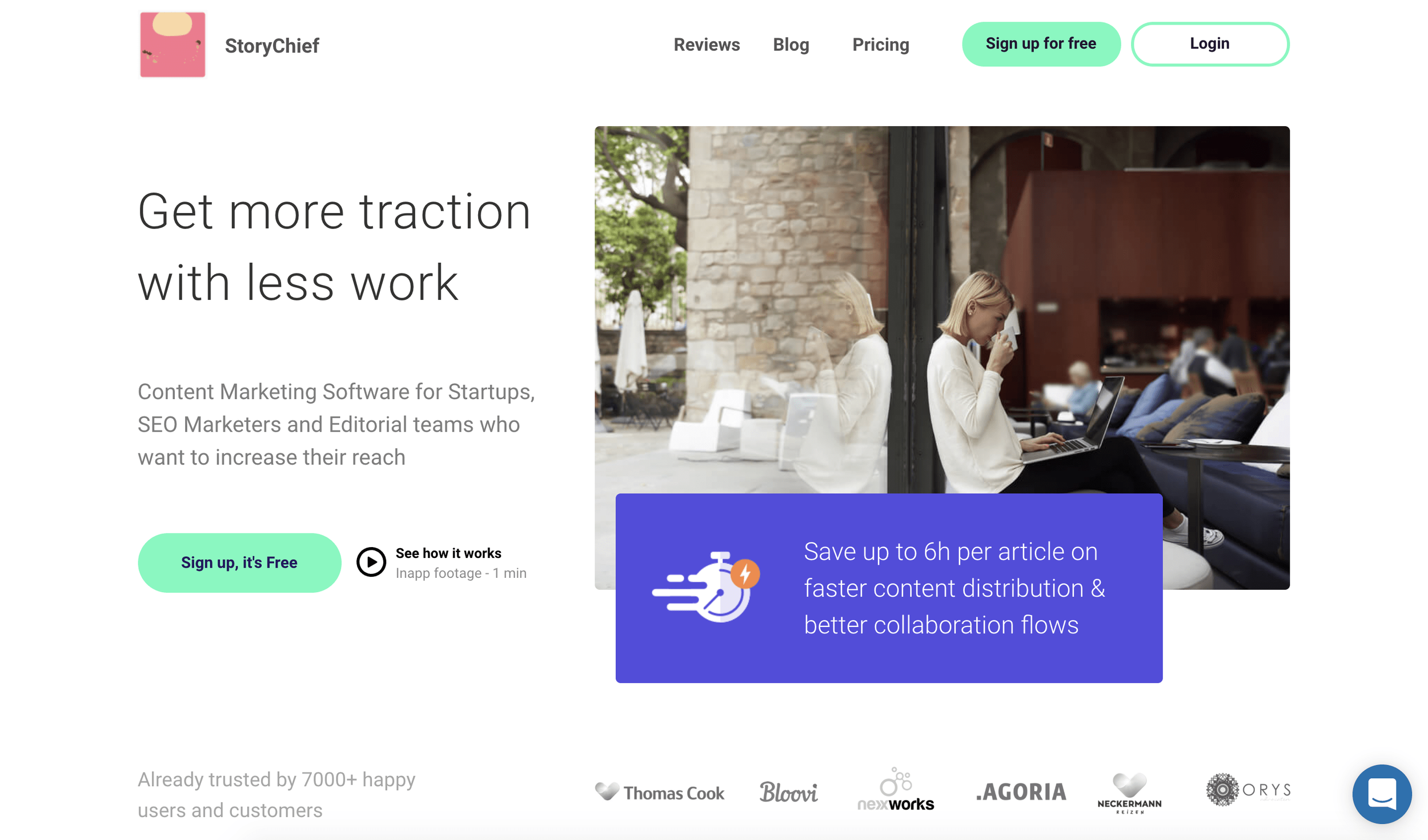
We're starting this list off with a mega free app called Story Chief. At it's core, story chief is designed to help you write better articles. In fact, I'm writing this article inside story chief now.
That's where the differences between Story Chief and most other writing tools end.
When you set up your free account, you can connect several social media channels for post-publishing. So when you're publishing your story, you can select:
Where it gets published (Your blog + Medium + another blog for instance)
Social channels – here you'll specify which social channels to publish to, the content to include in the post, AND schedule it to go post at a later time.
Feedly
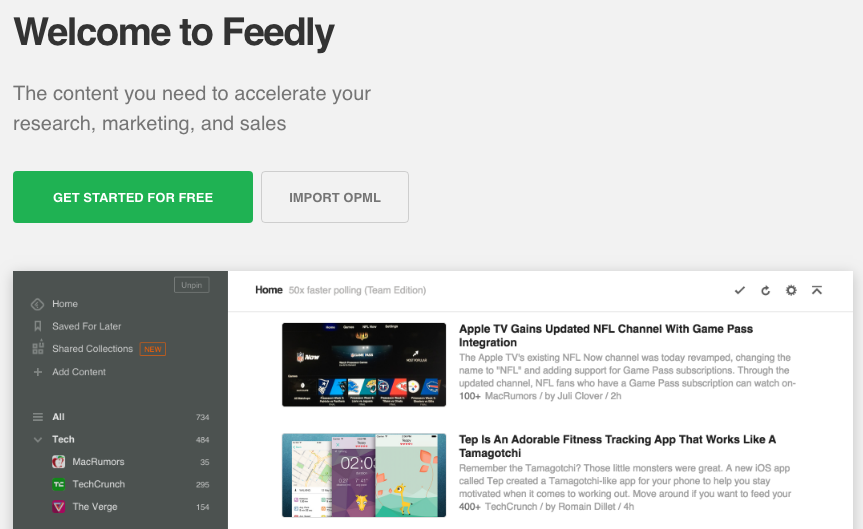
Feedly helps solve the I don't know what to post dilemma.
After setting up your account, you'll select topics that you want to create a feed for. Then, feedly scours the web for you looking for articles on those topics. It also integrates with several publishing tools, which we cover in the third section.
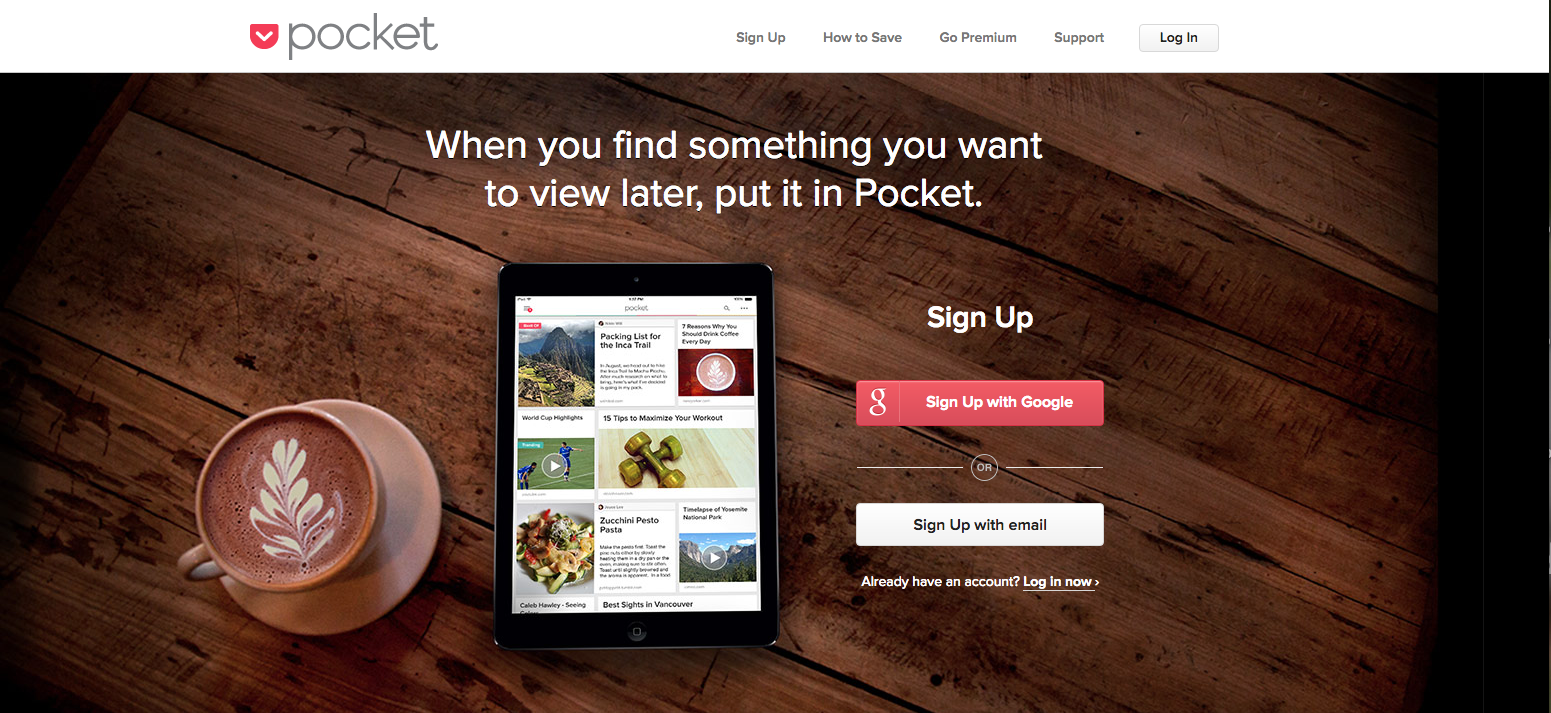
How many times have you started to read an article, only to get interrupted and needed to pause. Or, maybe you're doing what I do, you open a link into a new tab so that you can go back to it later. Or maybe you read the whole article, and wanted to share it, but not quite yet.
That's the old way. The new way is Pocket. Say you're scrolling through Twitter and you find a great article. All you need to do is tap the link, then click the share button on your phone and "Save to Pocket". It's literally a digital pocketful of content that's saved for later!
Then, when you're ready to read it or share it, just go to the pocket app and your links are all saved. Pocket also integrates with publishing apps, so you can select pocket as your source to schedules posts.
Google Alerts
Using Google alerts couldn't be more simple. You just go to http://google.com/alerts, setup a search term you want to be alerted of new content for and boom.
Basically, you're saving a "google search" for getting alerts. Say you wanted to get an alert anytime Cambria Countertops was mentioned in the news. In Google Alerts, you'll literally type in: Cambria Countertops, and the next time they are mentioned in the news, you'll get an alert.
You can set up your alerts in three ways:
As it happens (instantly)
Daily
Weekly
Alerts get sent straight to your inbox and from there you can do as you please, or save it to your pocket. 😉
Make It Beautiful
Once you have the content, now make the content work for you.
Facebook posts with images see 2.3X more engagement than those without images. (Buzz Sumo)
Facebook users spend 3X more time watching live videos than traditional videos. (Facebook Newsroom)
Canva
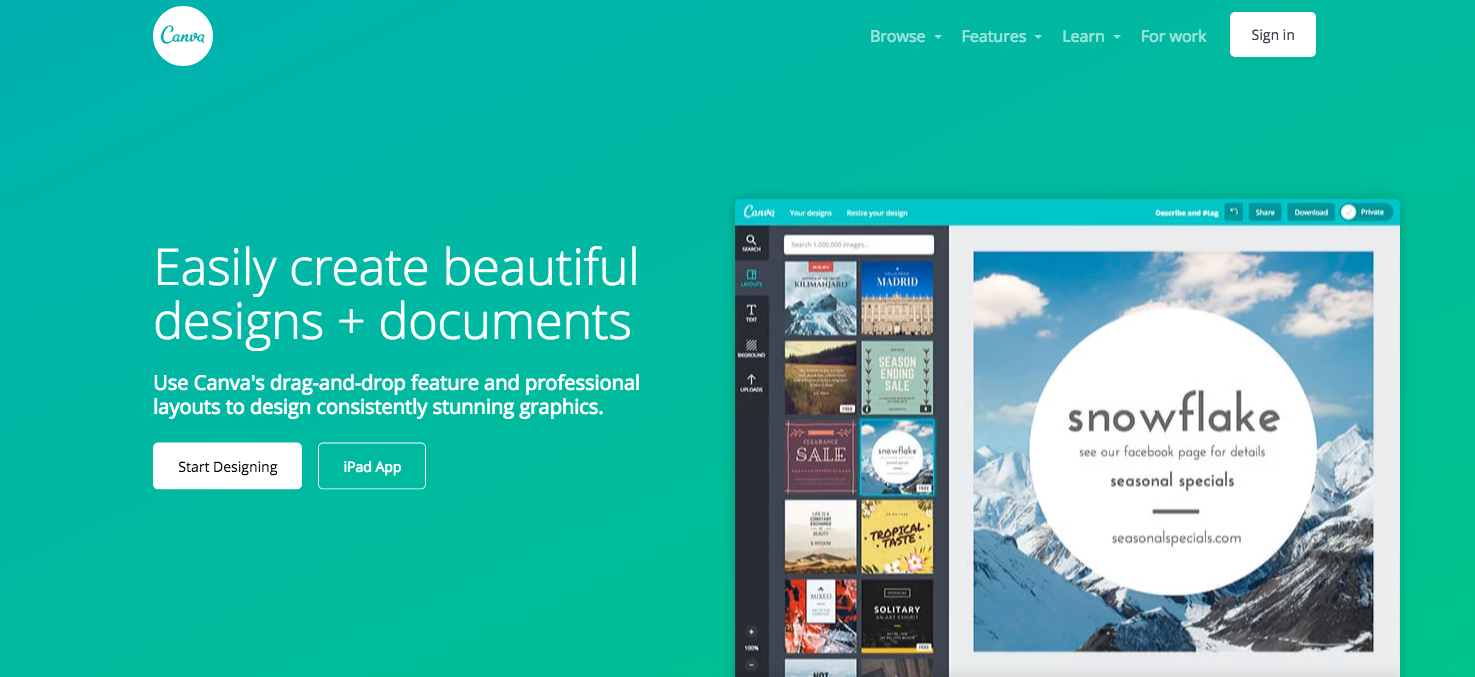
Canva is an excellent design tool that allows you quickly and easily make social media graphics that will really pop out. You don't need any design skills, and hardly any computer skills.
By using their pre-made templates, you can pump out graphic after graphic. Canva is easy to use and you can get an image out in minutes.
Adobe Spark
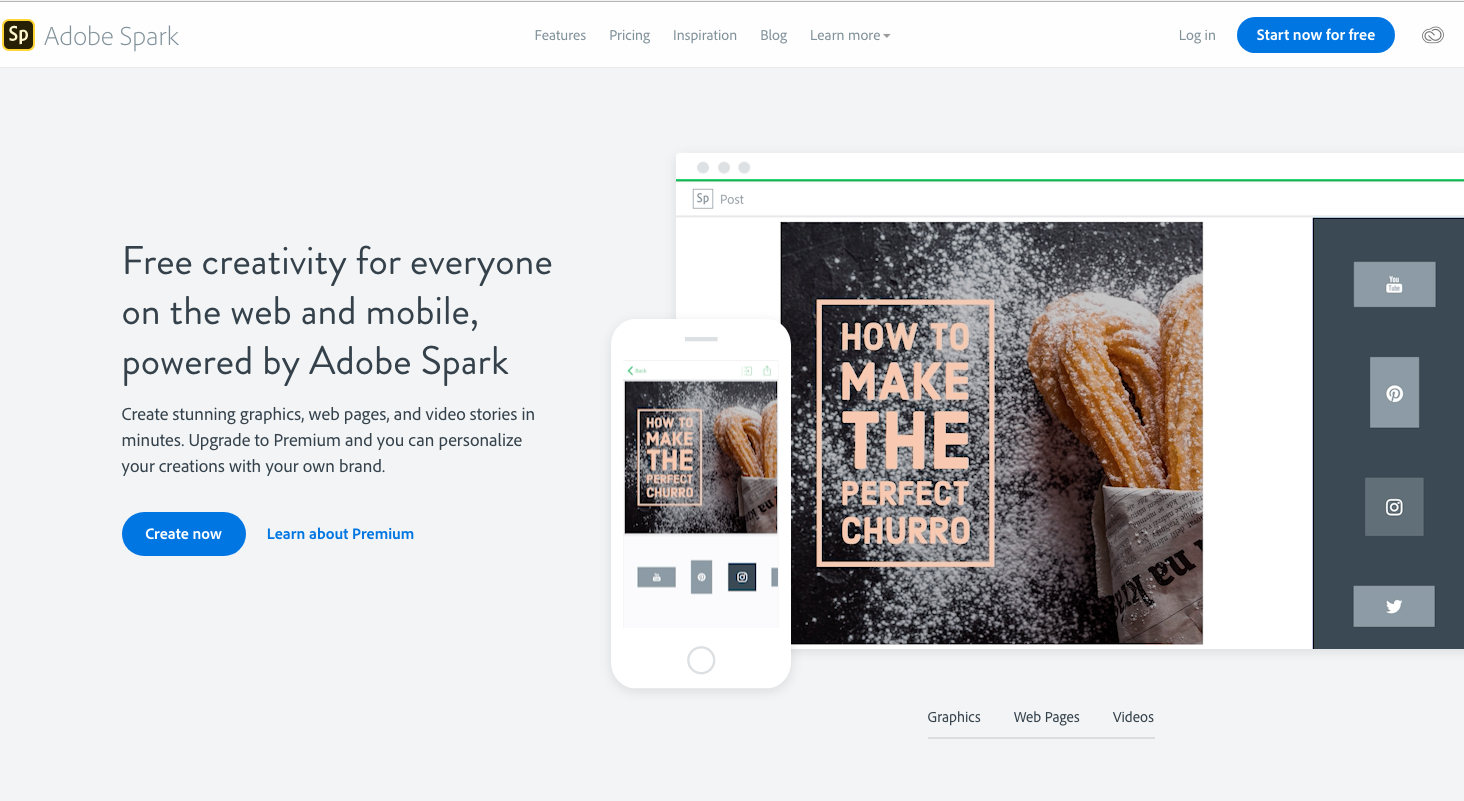
Hands down, Adobe Spark has the best mobile app for creating social media images. You can either start with a template or start from scratch. You just choose a photo, add some text, and then make it spark.
The Spark app excels in bold typography. You can fit your message inside many different shapes and sizes, and it will automatically adjust the font size based on the shape size. You can also add color overlays to the image to make the text easier to read.
A brand new feature to the app is animated text. You can select the text, and have it animate – so it essentially turns your plain old image into an video!
Spark has easy sharing built right in. Once you're done with your image, you can either save it to your camera roll, or share it directly to any social media network. You can also send it to your buffer or hootsuite app to schedule it for later.
Stencil
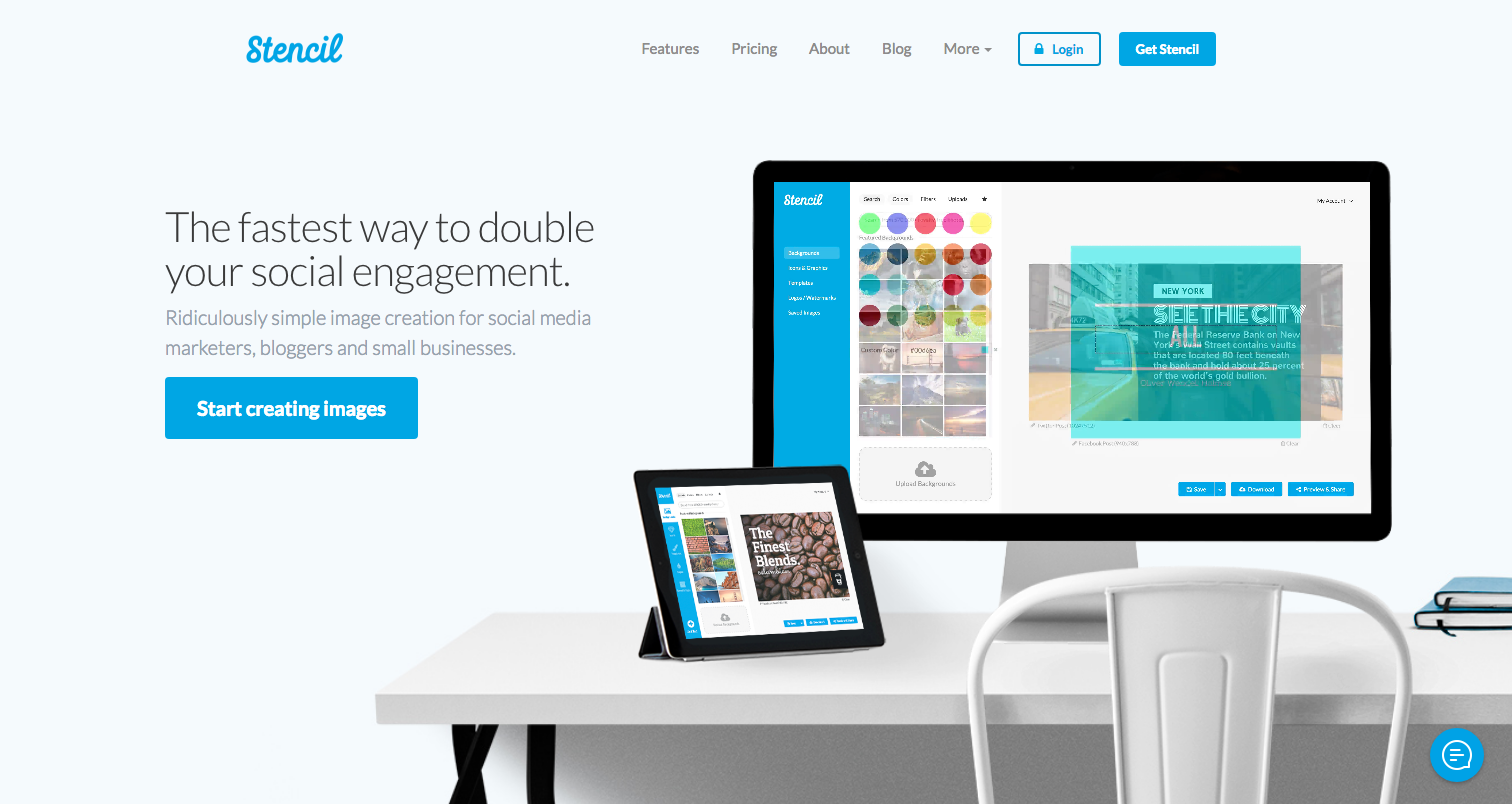
Meet your new best friend. Stencil is similar to Canva, but a lot more flexible. With Stencil, any layout available to you is included, you're not paying per layout. Stencil gives you the most amount of design options than any other design app I've seen.
A handy feature is that you can upload your logo, and keep it in an "assets" area. You can upload a few variants of your logo also, such as a standard version, then upload an all white version, and then grayscale version. You can just turn it on or off depending on which logo is useful for that design.
If you elect for their paid plan, you'll get over 2.8 million photos, icons and graphics to choose from to help you out. By the way, their most expensive plan is $12/mo when paid annually. So, it's also the most affordable of the paid versions.
Stencil also has a direct publishing feature. So once your layout is done, just share to your selected social networks. As a bonus, you can preview what your social media post will look like, so you can make it perfect!
Rocketium
You know how you've been saying: "I wish I could create videos for social media, but I don't know anything about computers."
Boom. Rocketium allows you to "make buzzfeed-style videos in under 5 minutes." It's true, I've made them and under that time frame.
Rocketium is the absolute easiest way to make a video for anywhere. 31,000+ users can't be wrong. You know what's really awesome about their app? You can export it in many sizes. You can export your video into:
16:9 – Standard Widescreen, useful for YouTube or any other channel
1:1 – Square, perfect for Instagram
9:16 – This creates vertical video, which is exactly what you'll need for Instagram Stories and/or IGTV (Instagram TV)
Facebook Cover – You can create a video for your Facebook cover this way!
0.8:1 – This is specific to creating an Instagram video ad
Pssst: If you really like using Rocketium and want to upgrade to a paid plan, use code AFBRAD10 and save 10% off your monthly plan!
Publishing Social Media Tools
You have the content, it's beautiful – now it's time to publish.
Later
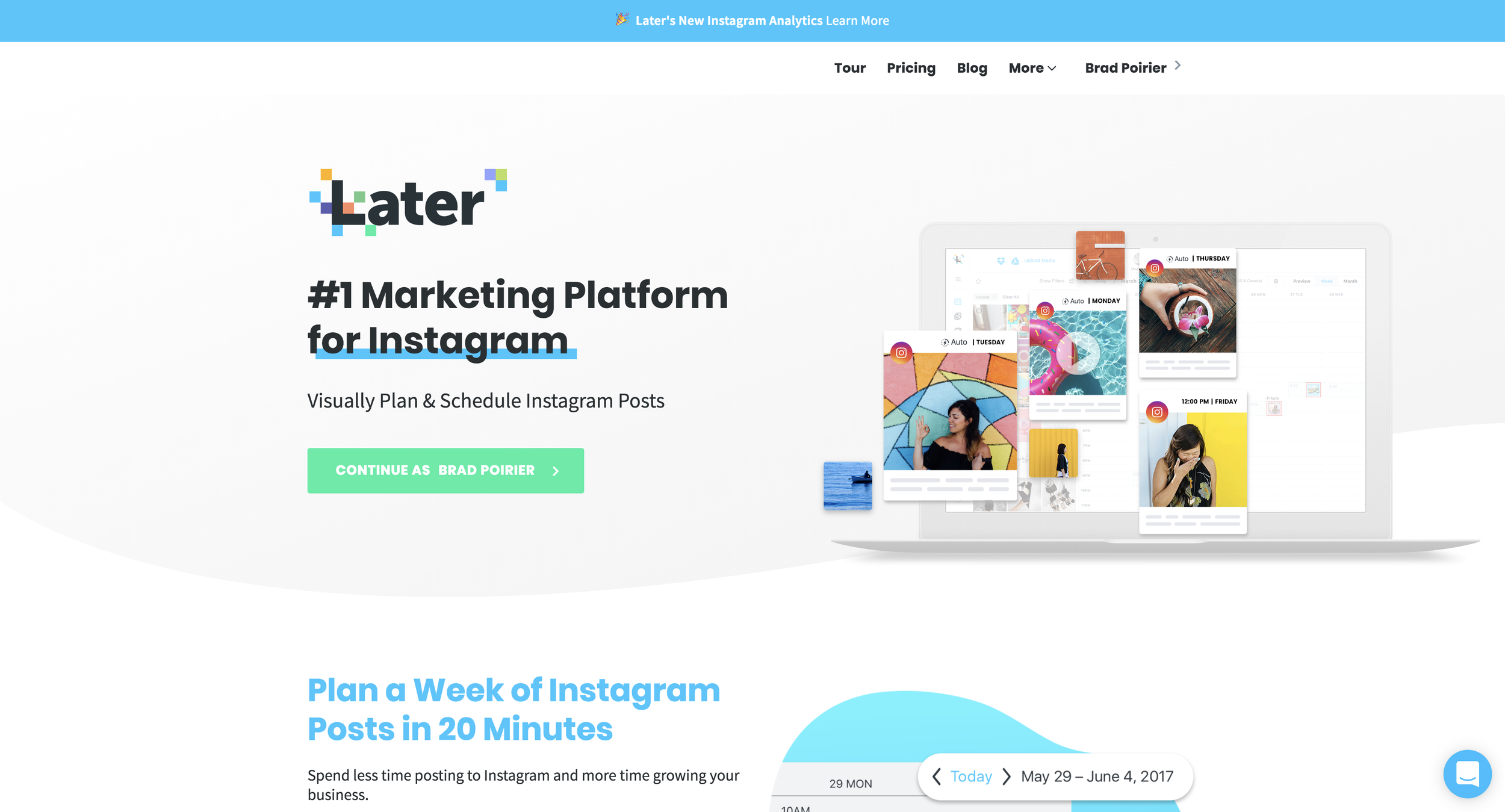
First up on the list is our newest social media platform that we're in love with. In fact, Later is the primary social media platform we use at Bear City Impact. We have a full write up on why we switched to using Later.
However, if it's too long and you don't want to read, here's the main points of consideration:
Excellent media manager
Quick schedule a week's worth of posts
Hashtag suggestions
Link in bio management
Content Studio
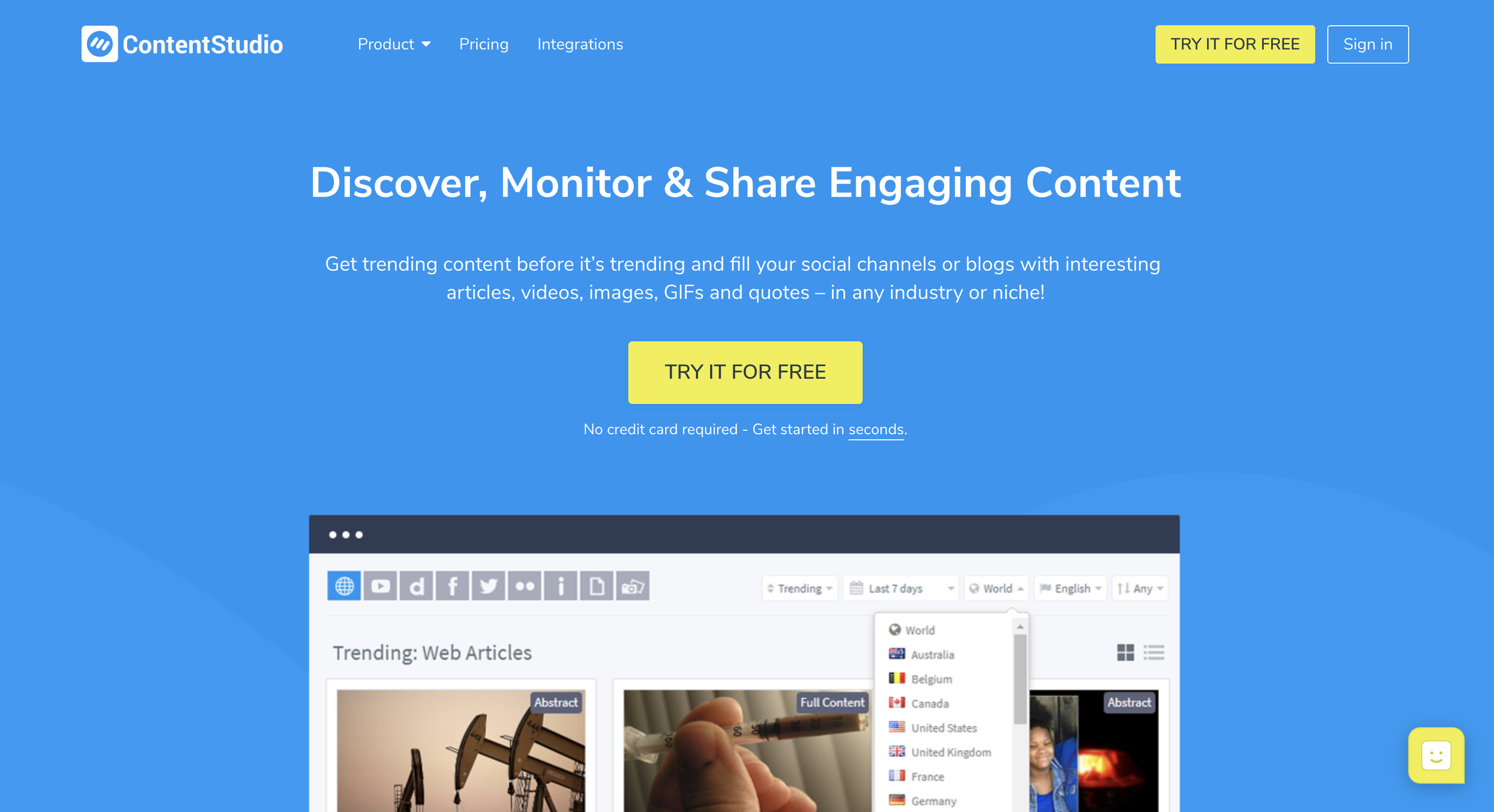
Content Studio is actually a three fold tool. It allows you to discover (content curation), publish, and automate your social media pages.
Regarding the publishing side of the app, Content Studio is second to none. In their discovery tab, you can see the latest trending articles from around the web, so that you can share buzzworthy content. Or you can search by keyword, topic, hashtag, etc.
Where Content Studio differs from the other content curation apps mentioned above, is that you can schedule that content right from within the dashboard. Once you find a piece of content that you want to share, you'll see how many times it's already been shared on the web. You can then click the share button, and either publish the content immediately, or schedule it to go out on a queue.
When you create your account, Content Studio will setup a publishing queue based on the networks you want to publish to, and the days and times that are most useful for publishing. You can, of course, modify the queue schedule. So now all you have to do is add content to your queue and you'll never run out of posts to your social media accounts.
MissingLettr
Ya'll got a blog? Cool. Well, social promotion should be a big part of your blog traffic. You want to get other people to share your content. You need to get your content out there first though. Hmm.
MissingLettr is so stinking easy to use. Add your blog's rss feed to your account. Then, whenever you publish a new post, you'll get a happy little email from MissingLettr saying they have a new social media campaign waiting for you!
When you open the campaign to review, it will look something like this:
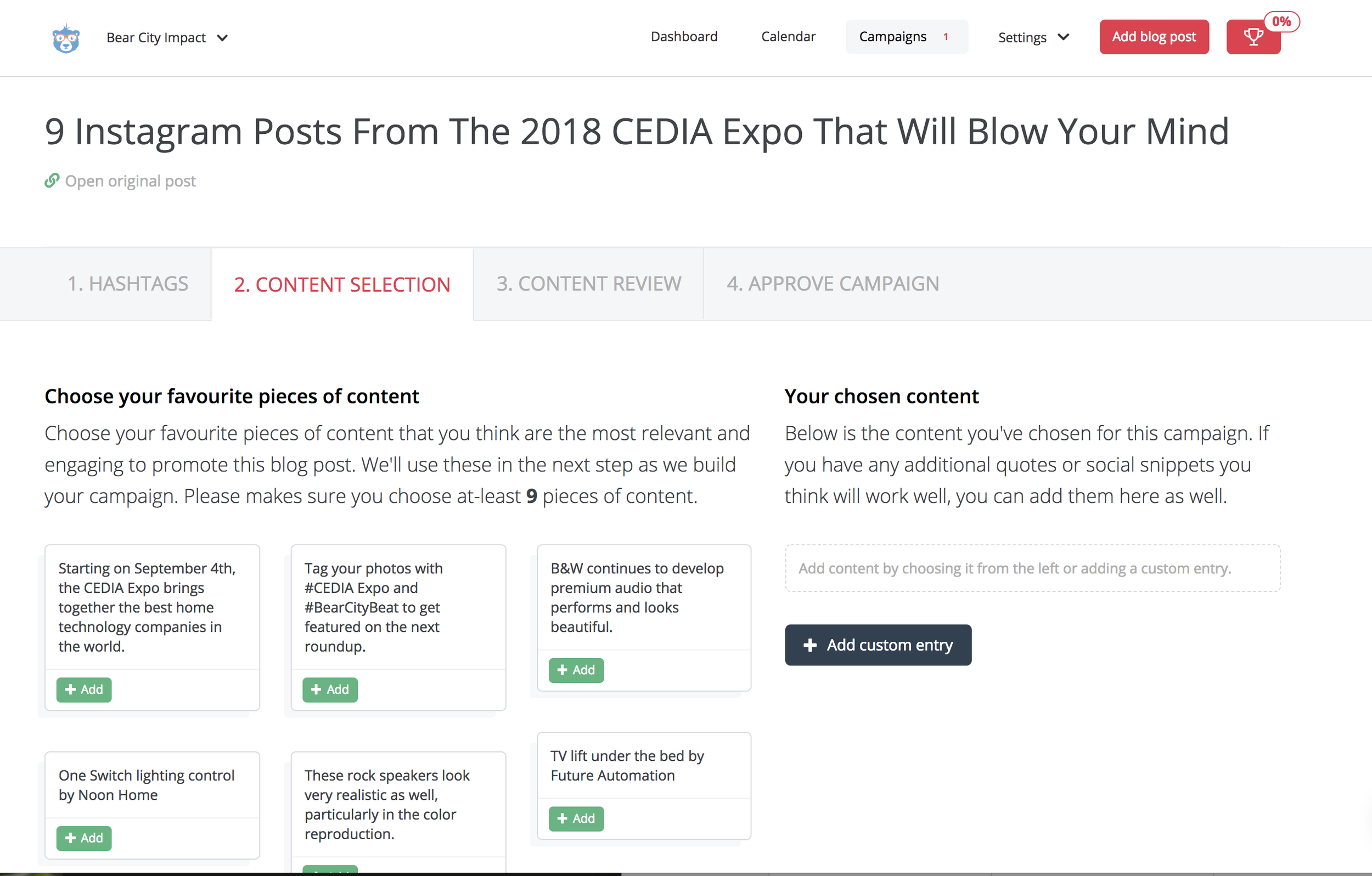
MissingLettr pulls content from your blog post into wonderful snippets. You'll need to select at least 9 of these to get started. Just click the +ADD button! The reason you need to select at least nine snippets is because MissingLettr is creating a year long social media campaign for you. They will schedule your social media posts one at a time at different intervals spread across the year to go out.
So for instance, if you are blogging on a weekly schedule and using MissingLettr, you'll have a constant flow of original content being shared on your social media to your blog. Even if you only blog once per month, that means one blog = nine pieces of content for the year.
After you have selected your content snippets, this is the really fun part. You'll get to customize how each post looks. The review page looks something like this:
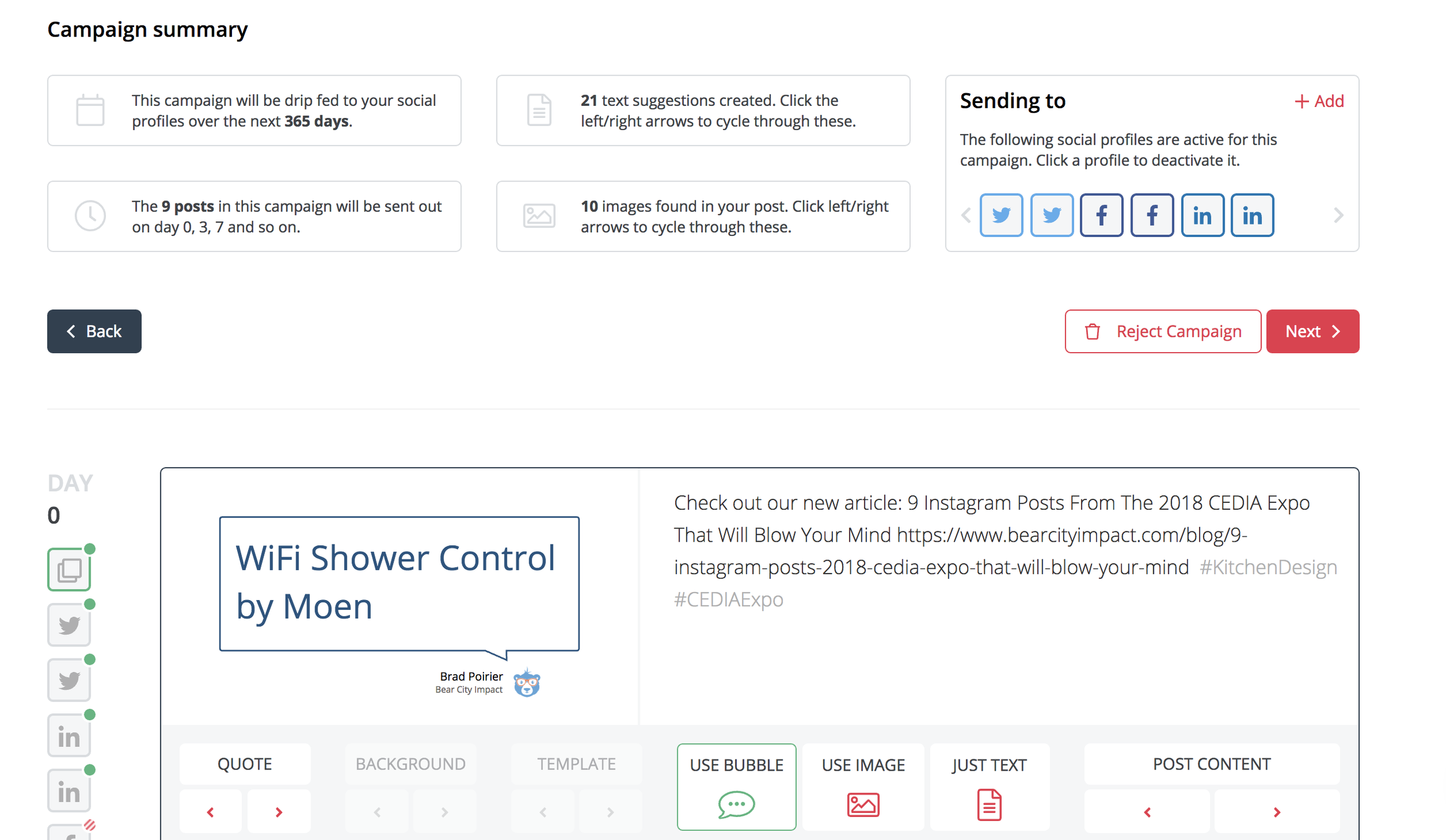
So in this case, for day 0 (which is the first post to go out basically), you'll select how your social post will look. You first choose wether you want the post to include a native image from the blog, a bubble image, or just plain old text.
If you choose the bubble option, it turns your text into fun bubble quotes that appear as images on your social posts. I think this is a creative way to share your content, especially when the blog post might not be media rich. If you don't like the quote shown, just hit the arrows until it brings up one you like.
Awesome right?
Hootsuite
Hootsuite is one of the top contenders when it comes to publishing apps. Most social media publishing tools offer a free plan. Hootsuite has the most valuable free plan though. You can manage up to three social media accounts in their free plan.
For scheduling, you can set up to 30 messages per month. You can post as much as you want, but for scheduling in the future, you'll have up to 30 messages. So for instance, if you're managing a Facebook page and Instagram account, you can schedule 15 messages for each to go out throughout the month, and then post as much as you want on the spot. Or, you can schedule 30 posts for Instagram and none for Facebook. Up to you!
Speaking of Instagram, Hootsuite was one of the first publishing apps to have a direct integration with Instagram – meaning, you can schedule a post from your desktop computer to send to Instagram.
Mic Drop.
Hootsuite gives you an RSS integration as well. You can put your blog RSS in and then it will auto post whenever there is a new blog entry.
Buffer
You can't talk about social media schedulers without talking Buffer. Buffer is probably the cleanest, simplest scheduler out there.
Buffer integrates fabulously with many other apps, including Stencil, Feedly, and Pocket.
My three favorite features about Buffer is there content inbox, queue, and analytics.
The content inbox is a great way to keep your queue fed. (You need to feed the queue!). You pop in a couple RSS feeds and Buffer will add it to the content inbox. You can then preview the article and add it to your queue.
Speaking of the queue, once you add a social media channel, Buffer will automatically set up a suggested queue of posting times. It's tailored per channel. So if you setup a Facebook page, Instagram account, and a Twitter account – the queue will be different for all three of them. It's based on suggested best days/times to post. You can completely customize the queue times and days though if you want.
When you add content, you can either publish now, add to queue, or super awesome feature share next. The share next will push another item down the queue, so it still gets scheduled but then your newest content will be shared next.
Once you add content to the queue, you can just set it and forget it. Or you can move posts around via drag and drop. Alternatively, you can get a birds eye view of your content calendar and see what's going out for the week/month.
The analytics tab is super clean and easy to read. It's going to show you all recently published posts by default. The next tab will allow you to sort by most popular. You can set the popularity by most likes, comments, clicks, shares, or reach.
This is excellent for recycling high performing content. If your focus is on clicks, just sort by most clicks, find the top 2-3 content pieces and then you can reschedule the post to go out again in the future. You can schedule it with the same content, or you can update the photo or the text if you want.
Engagement Social Media Tools
Engagement is all that any social media platform cares about
The more engagement a social media user has > the more they stay on the app > the more the app makes money
Focus on engagement :)
Facebook Pages Manager
This is one of those apps that should be obvious, but sadly so many businesses are using the regular "blue" Facebook app to manage their business page. The blue app is the standard app you use to get your personal Facebook feed.
The Facebook Pages Manager app is the official app from big blue themselves. It's more advanced than using the regular app. One hidden feature is that you can manage BOTH your Facebook and Instagram inbox from the one app. Any comments or direct messages from either Facebook or Instagram will get filtered to this one app. Makes it easy for keeping your audience engaged.
KingSumo
KingSumo isn't directly a social engagement tool, but it has some engagement features in it. Primarily, KingSumo helps you grow your email list, which you should be doing also.
Basically you create viral contests with this app. You setup a giveaway, and the first entry point is someone submitting their email. After that, they get bonus entries for : 1) sharing your contest on social media, and 2) liking your social media pages
The sharing and liking for entries will help create social media engagement.
I used KingSumo for a client giveaway recently, and the results were fantastic.
Our contest resulted in:
60 new Facebook likes
250% increase in Twitter followers
163% growth in email list
Plus anyone who entered the contest, we setup an auto-responder email with a special contest code where they could shop only during the contest period with a special discount, which created increased orders during that time.
Tagwin
Tagwin is similar to King Sumo, but designed for Instagram specifically.
Use Tagwin to run a Hashtag Contest or Follow to Win, and also take advantage of these additional entry conditions:
Require Follow
Require Like on Post
Require Comment on Post
Require Mention on Post
Website Social Media Tools
What’s the point of social media? For some it’s branding. Others you can direct leads from Facebook. (Messenger, etc)
Often you want to draw traffic back to your website.
Mobile Monkey
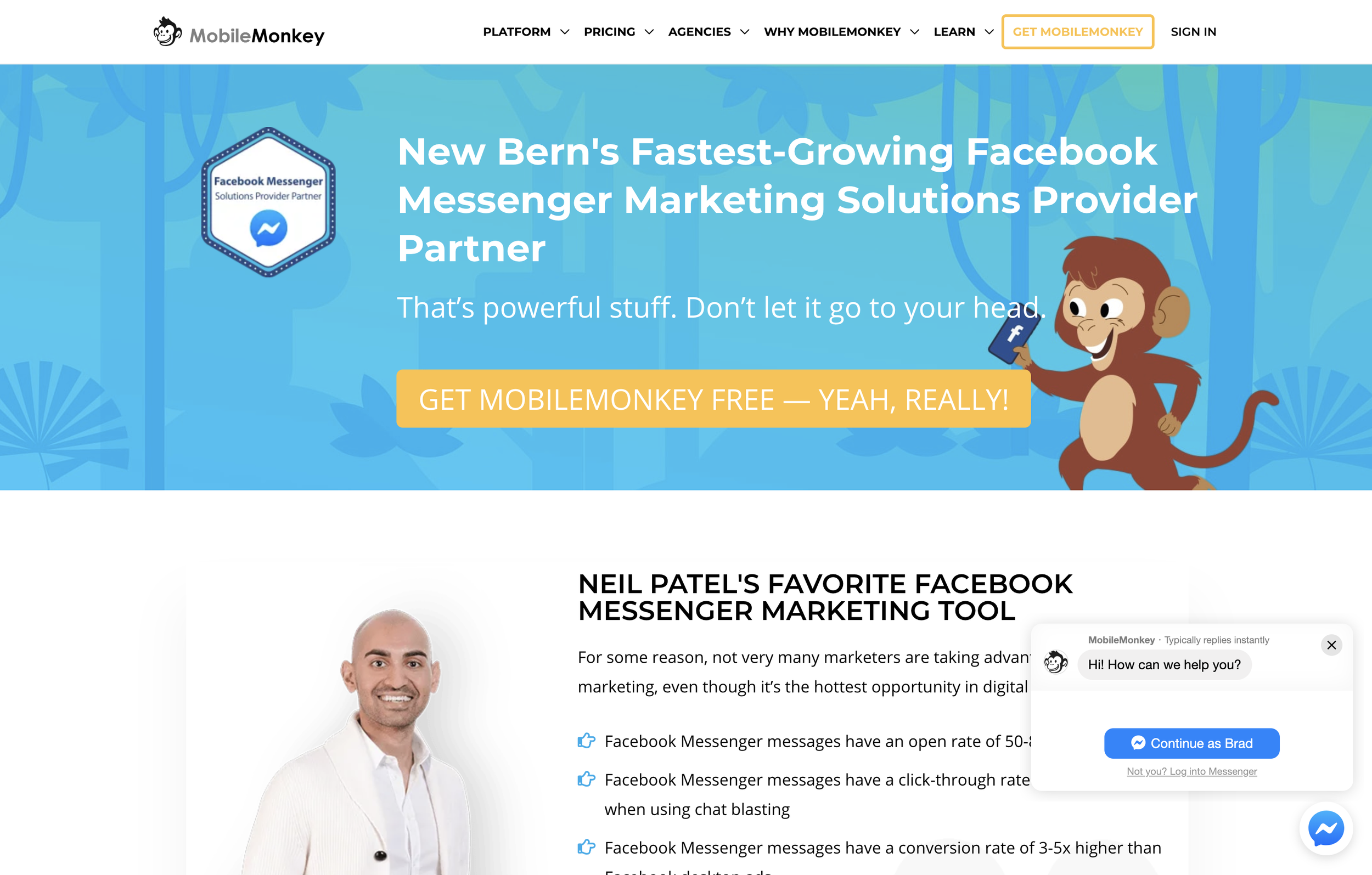
I've been using Mobile Monkey for about a year now and I must say, it is hands down one of the best tools in my website conversion kit. It's actually both a website tool and a direct Facebook tool.
In short, here's what it does: You connect it to your Facebook business page, and when people click on "SEND MESSAGE" from Facebook, they can enter into an automated messaging system. Based on how you setup the chatbot, the person messaging your business can have several different responses back to them.
The team at Mobile Monkey has made it incredibly easy to setup chatbots by including over 14 different chatbot templates ranging from eCommerce bots, Real Estate, Lead Generation, Beauty Salon, Restaurants and more.
I can 100% attest to getting my own clients through the chatbot provided by Mobile Monkey.
I get a lot of new messages directly from my website since I have the chatbot integrated here as well. New visitors are prompted with a chat message and if they choose to engage, it puts them into the chat pipeline.
You can also trigger it by a link. Try it here for instance, click this link to engage with my chatbot. You can insert this link at the end of an email as well.
If you're not using a chatbot for your Facebook Messenger, you're missing out BIG TIME.
I have a complete video tutorial on setting up a chatbot using Mobile Monkey as well.
Campsite
Ugh, I know it. Instagram doesn't let you put clickable links in your posts. And double ugh, they only allow for one link in your bio.
Yay for Campsite. Campsite is a free landing page of sorts. You just add a bunch of links to your campsite page, and then you'll copy your unique campsite link and put that as your website in your Instagram bio.
Then, when someone goes to that link, they are presented with all of your links associated with each post. You can even use the picture from the post to match up!
The page is completely customizable also. From the background color/image, button colors, profile image, etc.
Yoast SEO
This is a Wordpress specific plugin that is mostly suited for SEO. However, social sharing plays a big role in your search engine find-ability.
When you share any link to Facebook, the Facebook computers try to automatically associate an image with that link. It doesn't always do a good job. Sometimes, it will grab the logo of that website, or some other image on the page.
Yoast makes sure that an open-graph image is set for your blog or any page of your website. Open-graph is the protocol used by Facebook (and other social channels) to pull images from a website to attach to links. You'll never have crappy image shares again!
Yoast makes it easy to set the image you want to be shared. You can customize this for each network as well, since Facebook, Twitter and Pinterest for example all have slightly different image share sizes. Twitter will pull the image used for Facebook and just crop it, but if you're the fine-tuner-type-of-person, then you can set it manually.
Bonus Social Media Tools
Those were the 17 apps I highly recommend. I asked a group of social media peers to give their recommendations. Here's what they had to say.
Loom Video Recording
Tracey Lee Lorenson likes Loom recording for "the ability to explain simple principles online". Loom is definitely awesome for that. I use it myself. In one click you can start recording your desktop and then when you're done, you'll instantly get a shareable link. So you can just place that link to a social media page, or a private group you're in for instance.
Revue
Neeraj likes Revue. Revue allows you to start a mailing list which curates links to your audience. They have a free tier up o 50 subscribers.
Pixlr
Cathy Larkin of Web Savvy PR likes Pixlr. It is an online image editor that she uses to optimize images so they don't slow the website down. She uses the online app to resize huge photos so they are 72 dpi and less than 100 kb, and the right dimensions for use in a header or slider, or in the body text of a page or a blog post so they don't slow the site down.

Should You Outsource Your Social Marketing?
Deadlines. Employees. Networking. Accounting. Advertising. HR. – The Party Planning Committee. As a small business owner, you likely wear many hats. Should marketing be another one?
Deadlines. Employees. Networking. Accounting. Advertising. HR. – The Party Planning Committee.
As a small business owner, you likely wear many hats.
“Wait, now I have to wear a marketing hat also?”
Well the short answer is no, you don’t have to. It really depends on how competitive you want to be in your industry.
Your big competitors invest lots of time and money into marketing their business, but that doesn’t mean you have to. Outsourcing your digital marketing to a digital marketing agency can both improve your lead quality and improve your overall ROI.
Let me explain.
Your Time Is Your Most Valuable Asset
Time is the one thing that no matter what, you cannot buy more of. Even the wealthiest celebrities with the likes of Kim Kardashian cannot buy more time. What you have to do is, make the best use of your time.
How long does the average digital marketer need to spend each week marketing their business online?
The short answer is: It’s a full time job, literally. But let’s look at some examples from social media today:
Social Media: The majority of businesses spend 6 hours per week on social media
Blogging: The average post can take 1-3 hours to develop content.
Citations: Depending on how many directories have your business listed wrong, it might take you a couple hours each month to fix your directory listings.
Review Monitoring & Response: Scouring the internet for mentions of your company and then responding to those reviews can take 3-4 hours per month.
Those are just the basics of digital marketing: Social media, blogging, local citations, review monitoring.
We’re not even discussing marketing automation, video marketing, on-page seo and more.
Based on just those four areas, for digital marketing to be effective, you’ll need to spend roughly 34 hours per month to create engaging social media posts, two blogs per month, fix your citations and respond to online reviews.
So if you’re a small business owner looking to gain an edge, you probably don’t have it in your budget to hire a full time person just for your digital marketing. Nor do you have the time to spend 10+ hours per week on your digital marketing strategy.
Outsourcing your digital marketing can save you both time and money from hiring someone for your organization.
Expertise in Digital Marketing
So let’s say you’re willing to spend that 34 hours per week on digital marketing, or you want to go ahead and hire in that new staff person to do this. Great.
How much experience do you have?
Chances are, it will take you several months before you acquire all of the tools and training necessary to become effective with your time.
Case in point: Just because you’re posting to social media 12 times per week doesn’t mean that it’s effective.
Are your fans engaging with those posts?
Are they sharing your posts?
What’s your email open and click through rates?
How long is the average visitor reading your blog article?
The answers to these questions will tell you if your digital marketing strategy is effective or not.
You might have the extra time to devote to your digital marketing, but will it pay off if you go the DIY route?
Perhaps. Perhaps not.
Measuring Your Digital Marketing Strategy
Ok, at this point, you are spending the time on your digital marketing strategy, and your are getting better at it.
How do you know it’s working? How are you correlating the time and money invested into revenue?
For every hour you or your staff person spends on digital marketing, how much is that costing you.
Let’s say you hire in someone at the rate of $20/hour x 32 hours per week, that’s costing you more than $2,500 in labor alone, besides taxes and other fees. That’s not counting the cost of any marketing automation and other marketing tools you probably need.
Let’s just say between labor and other expenses (and we haven’t even discussed PPC budgeting), for marketing you might invest over $4,500/mo.
Are you getting at least a 2x return on that each month? Rather, are you bringing in at least $9,000 in sales each month for that?
I should note that, for most small business owners, outsourcing your marketing should cost no where near $4,500/mo. Outsourcing should save you quite a bit of money AND provide a better return on your investment.
Outsource Your Digital Marketing - Yay or Nay?
Thinking about a statement earlier, it all depends if you want to be competitive or not.
Let’s do a test.
Head to google.com, open a private browser tab (incognito, etc) and search for your industry keywords. Don’t search for your business by name. So if your business is “Joe’s Plumbing & Heating”, don’t search for that.
Search for how you want to be found if someone has not been introduced to your business before.
Something like : “Plumbers near me” or “Plumbers in [insert city here]”
The reason you do this in a private window is that it will remove previous search history.
Google is smart. They know you’ve been to your website before, so if you just search for “plumbers”, it will bring up your site first because you’ve previously visited it before.
So, what were the results of this quick test? Were you on the first page? Were you on the top 3 listings? Do you see your business somewhere in the Google Map Pack results?
No?
Then you need to outsource your digital marketing.
Or, you’re just OK with your competition being on those pages.
If by now, you think it’s a good idea to outsource your digital marketing though, you should look for a digital marketing agency.

How To Get Your Own Kitchen Remodeling Leads
If you’re a contractor or remodeler, generating leads can be a timely, costly and aggravating experience. Word of mouth and reputation can go a long way, but when the phone isn’t ringing like you need it to, harnessing the power of the internet to grow and position your company for long term success is critical.
If you’re a contractor or remodeler, generating leads can be a timely, costly and aggravating experience. Which is likely why you’ve ended up on this page in the first place.
Word of mouth and reputation can go a long way, but when the phone isn’t ringing like you need it to, harnessing the power of the internet to grow and position your company for long term success is critical.
Where to Start Getting More Remodeling Leads
One of the key problems faced by kitchen remodelers is knowing where to start with their online lead generation efforts. The internet is wrought with scammers, and full to the brim of shiny “new” and (allegedly) effective ways to make you millions.
Because of this, most kitchen remodeling business owners have a hard time discerning what methodologies represent the best use of time, energy, and hard earned dollars for their unique business.
Do you focus on your website, social media, search engines, or pay per click ads (PPC) like Google AdWords? You don’t have to do everything, but the best plan is usually a combination of the above, leveraging each to bolster the next with a holistic and well-rounded game plan.
Funnels
It’s not a great idea to pick a favorite child, but if online marketers did, it would probably be funnels. If that term is new to you, don’t worry. A funnel is essentially just a series of steps prospective customers take to find your business and take some sort of action leading up to a sale.
But just because you build a funnel doesn’t mean anyone will come to it. Below we’ve included a quick rundown of how the tools mentioned above can work together to “funnel” new remodeling leads to your business.
The Game Plan – How To Get Your OWN Remodeling Leads
Let’s say you want to generate kitchen remodeling leads. If you can just get prospects to call you, you know they’ll love what you have to offer, and will become satisfied customers for years to come.
But how do you get them into that funnel in the first place?
1. PPC – Pay Per Click Advertising
When someone is looking for kitchen remodeling, they usually start searching for contractors on Google. One way to get their attention is to use Google Ads, formerly known as Google AdWords.
Your ad will show up at the top or bottom of the search results page and, hopefully, get more attention than the regular results.
Pros – If you’re willing to pay a bit more, you can get results quickly and a treasure trove of data that can be used for other marketing channels like social ads and SEO
Cons – Some people ignore sponsored ads, and commonly searched keywords are very expensive to advertise. There may also be a testing period while the campaign is “fine-tuned”, during which you may experience a lower ROI, or even an initial loss.
How to make it work – Targeting and ad grouping is key. If you can target very specific keywords and demographics, the ad will be shown to people who search for those specific keywords in a geographic area that you service. Further segmenting this traffic into various demographics and interests will also help you find which type of visitor converts best.
Targeting and fine-tuning campaigns is imperative because you pay for every click, whether they buy from you or not. You don’t want unqualified or uninterested people to click your ads just because of a catchy headline only to realize the offer isn’t for them.
2. Social Media
Setting up social media pages for your business is another way to generate remodeling leads. It takes a little more time than advertising, but can be very cost effective and great for building a trusting and interactive relationship with your target audience.
It’s better to focus on one or two social media sites (like Facebook, Twitter, YouTube, or Pinterest) and build a solid presence rather than spreading yourself too thin trying to be on all of them.
Pros – A free or low-cost way to build your reputation and connect with clients. Most of your prospects are already on social media daily.
Cons – It can take a lot of time to build your presence enough for people to find you.
How to make it work – One great way to use social media is be providing helpful and valuable content. If you have insights on kitchen remodeling, you can create videos, how-to articles, or share pictures of recent projects or DIY suggestions. People love to share this type of information with friends, which can quickly spread your name and reputation if you play your cards right.
Another way to use social media is to ask your existing clients to review your business page or recommend you on social media. As you know, testimonials and reviews mean a lot in this business. Positive reviews on social media have extra power because they are shared with people your clients already know, boosting the credibility of the reviews.
3. Your Website and SEO
Your website is a powerful tool for reaching new clients, as well as growing your relationship with current clients. In fact, your website is likely your best performing employee, and you don’t even give it a raise.
Your company site is a 24/7/365 digital representation of a physical store and showroom. It is your sales team, helping to convert new visitors into paying customers, as well as your customer support staff, answering questions by providing information to those that need it.
But gone are the days when slapping a website up was a guarantee that traffic will appear from the ether. With competition as fierce as ever, the “if you build it they will come” mentality just won’t cut it.
Unlike social media or paid ads, people don’t run across your website during the course of their normal day to day activities online. Rather they generally find service sites like yours with a “Google search”. And if you’re not ranking on page one, you’re missing out on the 97% of web traffic that never bothers to click past the first page.
The simplest way to grow traffic to your website is to tell everyone about it. Print the URL of your site on your business cards and at the bottom of all your marketing materials. Put it on invoices and receipts, so your current customers can check it out. Place a link to your site on your social media pages and anywhere else you can think of.
But the most effective way to bolster your website’s online visibility and ranking is by employing a search engine optimization (SEO) strategy that focuses on website optimization as well as high quality link building and content.
Putting it All Together
Here’s where the rubber meets the road and you really start making progress.
By effectively employing the above tactics, either in part or as a whole, you can leverage the power of the internet to drive more remodeling leads faster than ever before.
Remember the sales funnels from earlier? At the very top of the funnel, you’ll bring a fairly wide group of people into your world. Sharing great content on social media is one way to do that. People see the value you offer and even share it with friends.
Paid ads are another way to get your business in front of people who aren’t already in your circle. In either case, you don’t want to go TOO wide with the funnel, so make sure your ads and content are relevant to the ideal client you want to attract. This is especially true with ads, where you will pay for the traffic whether they are a good fit or not.
Next, you can bring those remodeling leads further down your funnel and closer to becoming customers by getting them to your website. With ads, this is as simple as linking them to the appropriate page on your site when they click the ad. With social media content, you can provide a link to more information or start a story on social and let them click to finish it on your website.
The final stretch of this basic funnel is to make sure your website contains all the info they need (in the most compelling language possible) to convince them to do business with you. This is where can sell your services, and what makes you the best choice for their remodel, without spraying sales pitches all over people who haven’t yet shown an interest. By the time your readers are on your website, they are more likely to be receptive, interested prospects who are seriously seeking the best contractor.
Not Sure Where to Start? – We can help
Our agency has helped countless kitchen remodeling companies just like yours drive more traffic, generate more leads, and boost sales and revenue month after month, often for a fraction of what you’re spending on “traditional” marketing methods.
Give us a call today for a free consult to learn how we can help. We’d love to hear from you.